
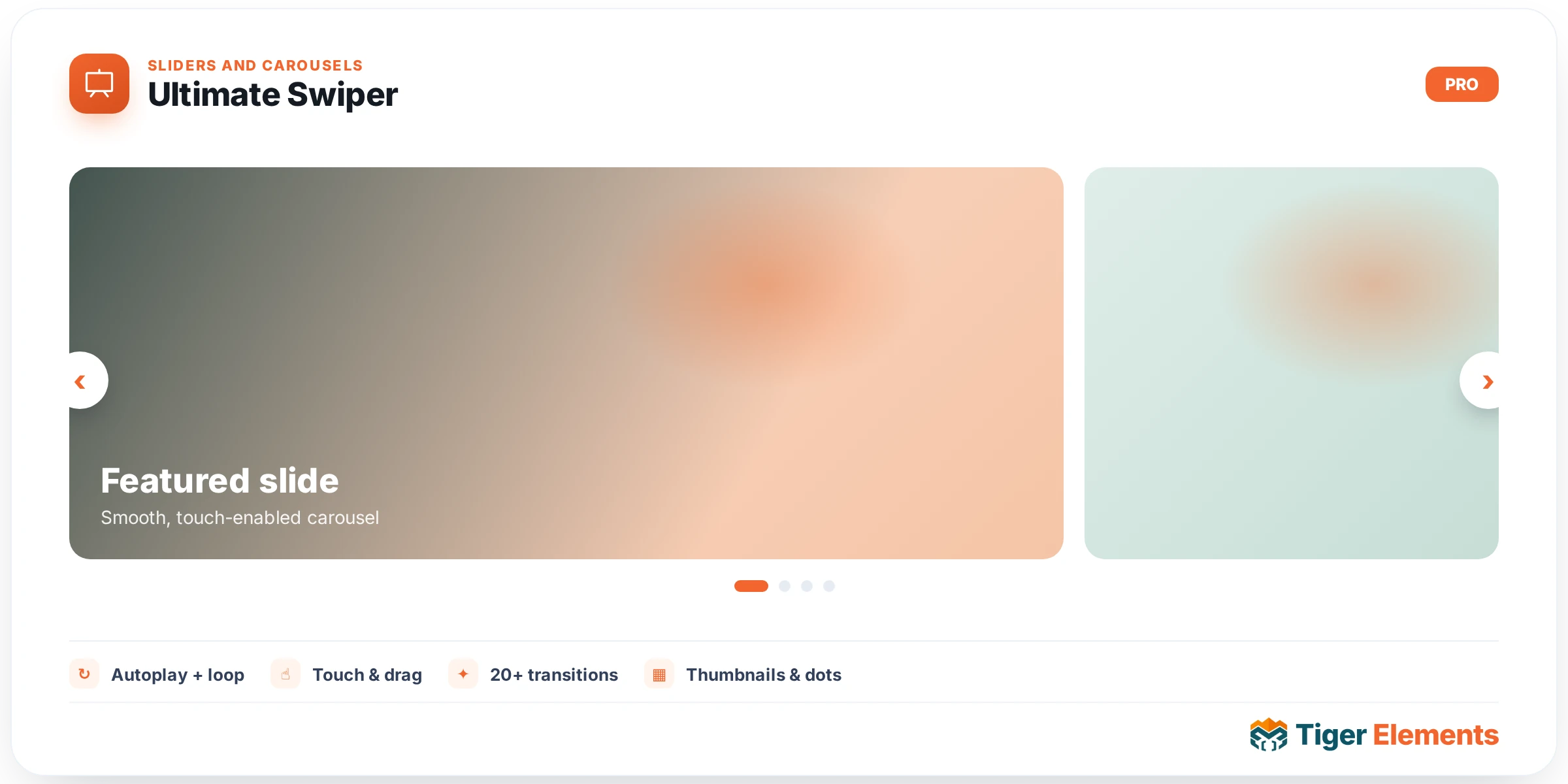
The premium slider widget in the Tiger Elements library — a full slide repeater plus dedicated control sections for layout and autoplay, navigation, parallax depth, and entrance animation, built on top of the standard Swiper engine but with considerably more depth than the free Tiger Slider widget offers. Where a basic slider handles the common case of rotating hero banners well enough, Ultimate Swiper exists for the sliders that need to do more — synchronized layers, coordinated multi-widget behavior, and richer per-slide animation.
Slide content and layout
The slide repeater carries the same fundamental content a slider needs — background media, heading, subtext, buttons — but with additional layout and autoplay controls that go beyond a fixed set of preset options, giving finer control over transition timing, autoplay behavior, and how slides are arranged and paced through their rotation.
Parallax depth
A dedicated parallax control section is one of the features that genuinely separates this widget from a standard slider. Rather than every element in a slide moving together as one flat layer, parallax lets different pieces of a slide’s content — background, midground imagery, foreground text — move at different rates as the slide transitions or as the visitor scrolls, creating a sense of depth and dimensionality that a flat slide transition can’t achieve on its own. This is the kind of effect that, done well, makes a hero slider feel considerably more premium and considered than a standard rotating banner.
Cross-widget sync
A cross-widget sync ID control lets a separate element on the page — a thumbnail navigation strip, a progress indicator, another slider instance — stay in lockstep with this slider’s current slide, driven by a shared ID rather than requiring custom scripting to coordinate the two. This is genuinely useful for layouts where the slider itself is paired with, say, a row of thumbnail previews below it that should highlight whichever slide is currently active, keeping the two elements synchronized automatically as the visitor navigates.
Extensive style sections
Beyond the content and behavior controls, dedicated style sections cover the heading, eyebrow text (a small label typically shown above the main heading), subtext, buttons, navigation and pagination controls, thumbnails, and the slide container itself — meaning every visual piece of a genuinely elaborate slide design remains independently styleable rather than sharing one combined, less granular style panel.
When to use this over Tiger Slider
Reach for Ultimate Swiper specifically when a slide design needs parallax depth, when a separate element on the page needs to stay synchronized with the slider’s current position, or when the finer-grained animation and layout controls genuinely matter to the final result. For a straightforward hero banner rotation without those specific needs, the free Tiger Slider widget accomplishes the same core job with a simpler control set and less setup overhead.
Practical tips
- Use parallax deliberately on a small number of layers rather than applying it to every element in a slide — too many independently moving layers at once tends to feel chaotic rather than premium.
- Set up cross-widget sync IDs carefully and verify the connection actually works in a live preview — a mismatched or duplicated ID silently breaks the intended synchronization rather than throwing an obvious error.
- If you’re not using parallax, sync, or the finer animation controls, consider whether the simpler Tiger Slider widget would accomplish the same result with less configuration overhead.