
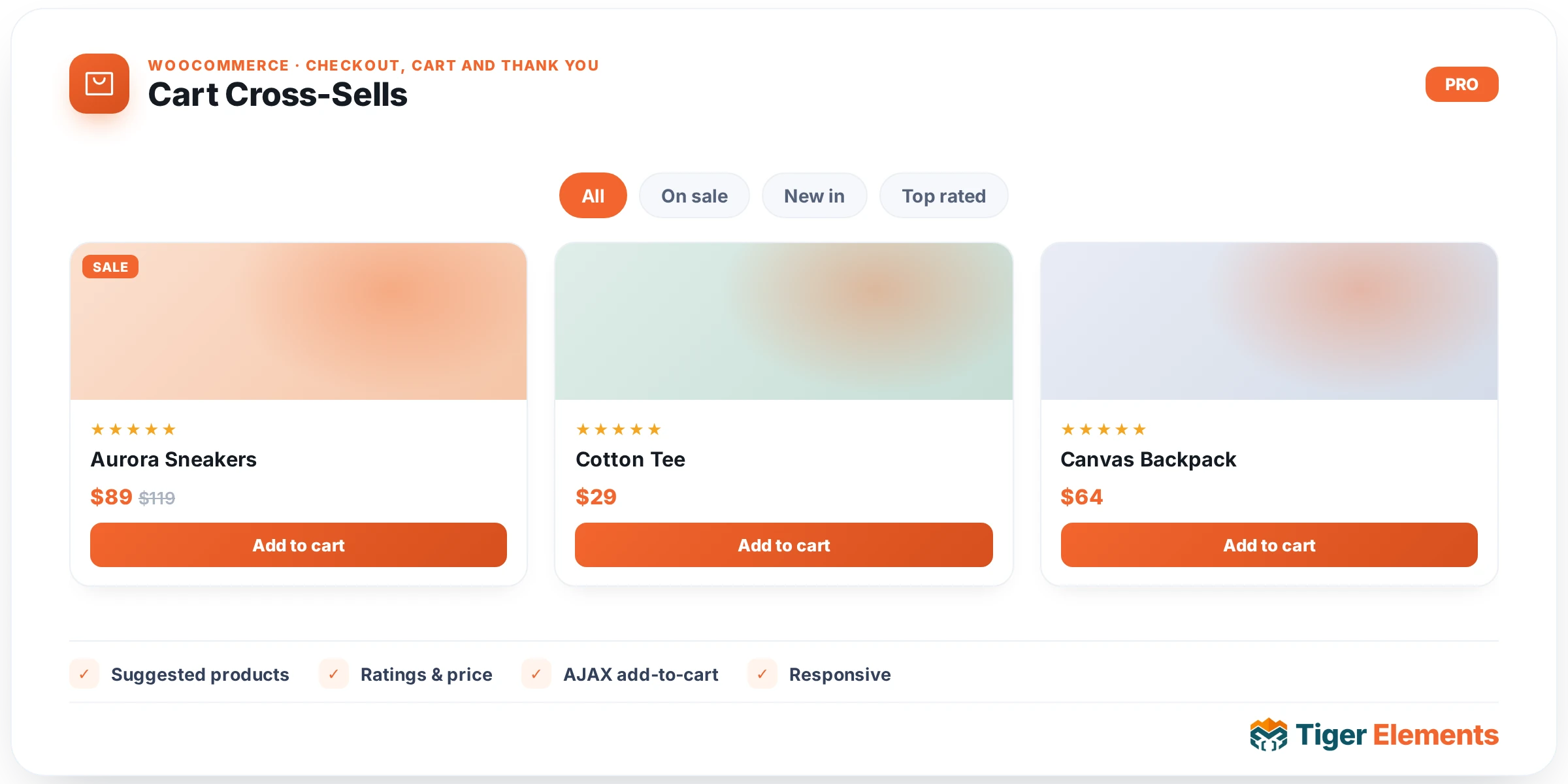
What Cart Cross-Sells does
Cart Cross-Sells renders WooCommerce’s native cross-sell product grid — the “You may be interested in…” recommendations that WooCommerce derives from the cross-sell products attached to whatever is currently in the customer’s cart. It exists as a standalone widget so a custom Elementor cart page can place that promotional grid anywhere: below the Cart Table and Cart Totals widgets, in a full-width band, or omitted entirely on a minimal one-page checkout flow. Because it’s decoupled from the other two cart widgets, you can drop it on a page without a cart table at all (for example, testing layout), or leave it out of a stripped-down express-checkout cart design.
How to set it up
The Content section has exactly two controls, both plain numbers: Columns (default 4, range 1–6) and Limit (default 2, range 1–12) — the maximum number of cross-sell products fetched and displayed. There is no Style tab on this widget at all; visual styling of the product grid, cards, price, and add-to-cart button is inherited entirely from the active theme’s WooCommerce product-grid CSS and must be adjusted with the widget’s Advanced > Custom CSS panel or theme-level style overrides, not with built-in color/typography controls.
Non-obvious behavior
The widget is a thin wrapper around WooCommerce’s own woocommerce_cross_sell_display( $limit, $columns ) function — the same function that powers the cross-sell grid on the default cart page template. This has a few consequences worth knowing before you rely on it:
- The product list isn’t configurable per-widget beyond count and column layout — which products appear is entirely determined by each cart item’s “Cross-sells” field, set per-product in the WooCommerce product editor (Linked Products tab). If a product in the cart has no cross-sells assigned, and no other cart item does either, the grid renders empty.
- If the cart is empty, there are no cross-sell relationships to look up, so the grid naturally renders nothing — the widget doesn’t show a placeholder or empty-state message in that case, unlike some of its sibling widgets.
- Because this calls the same core function the classic cart template uses, add-to-cart buttons inside the grid behave exactly as they do anywhere else on the site — AJAX add-to-cart, quantity handling, and any hooks other plugins run on
woocommerce_before_shop_loop_item/woocommerce_after_shop_loop_iteminside product loops all fire normally. - The widget only checks
wc_ready()before rendering — it doesn’t gate on the cart being non-empty in its own code, so on a WooCommerce-inactive site it silently outputs nothing rather than erroring.
Cart Cross-Sells vs. Cart Table vs. Cart Totals
The three cart-page widgets each surface one distinct native WooCommerce region, and they’re meant to be composed together rather than used alone:
- Cart Table — the editable line items customers actually interact with to change what’s in their cart.
- Cart Totals — the read-only summary plus the “Proceed to checkout” button; the transactional endpoint of the cart page.
- Cart Cross-Sells (this widget) — purely promotional upsell inventory, with no relationship to the cart’s contents beyond using them to look up related products. It doesn’t affect totals, checkout, or the editable cart at all.
Use Cart Cross-Sells when the goal is increasing average order value before checkout; skip it on cart pages designed for speed (e.g., a minimal one-step B2B reorder cart) where every extra product tile is friction rather than opportunity.
Practical tips
- Set cross-sell relationships product-by-product in WooCommerce’s Linked Products tab before testing this widget — an empty grid is very often a data problem (no cross-sells configured), not a widget bug.
- Keep Columns and Limit in sensible proportion (e.g., Columns 4 with Limit 4 or 8) — an odd combination like Columns 4 with Limit 2 will leave visibly empty grid slots on some themes that reserve space per column.
- Because there’s no built-in Style tab, check how your active theme styles
.cross-sells/ product-loop markup before assuming the widget is “unstyled” — most of the visual design comes from the theme, not from Elementor controls here. - If you need the cross-sell grid to look different from the theme’s normal shop-loop cards (e.g., smaller cards specifically on the cart page), scope custom CSS to this widget’s wrapper class rather than editing global shop-loop styles, to avoid affecting the main shop and category pages.