
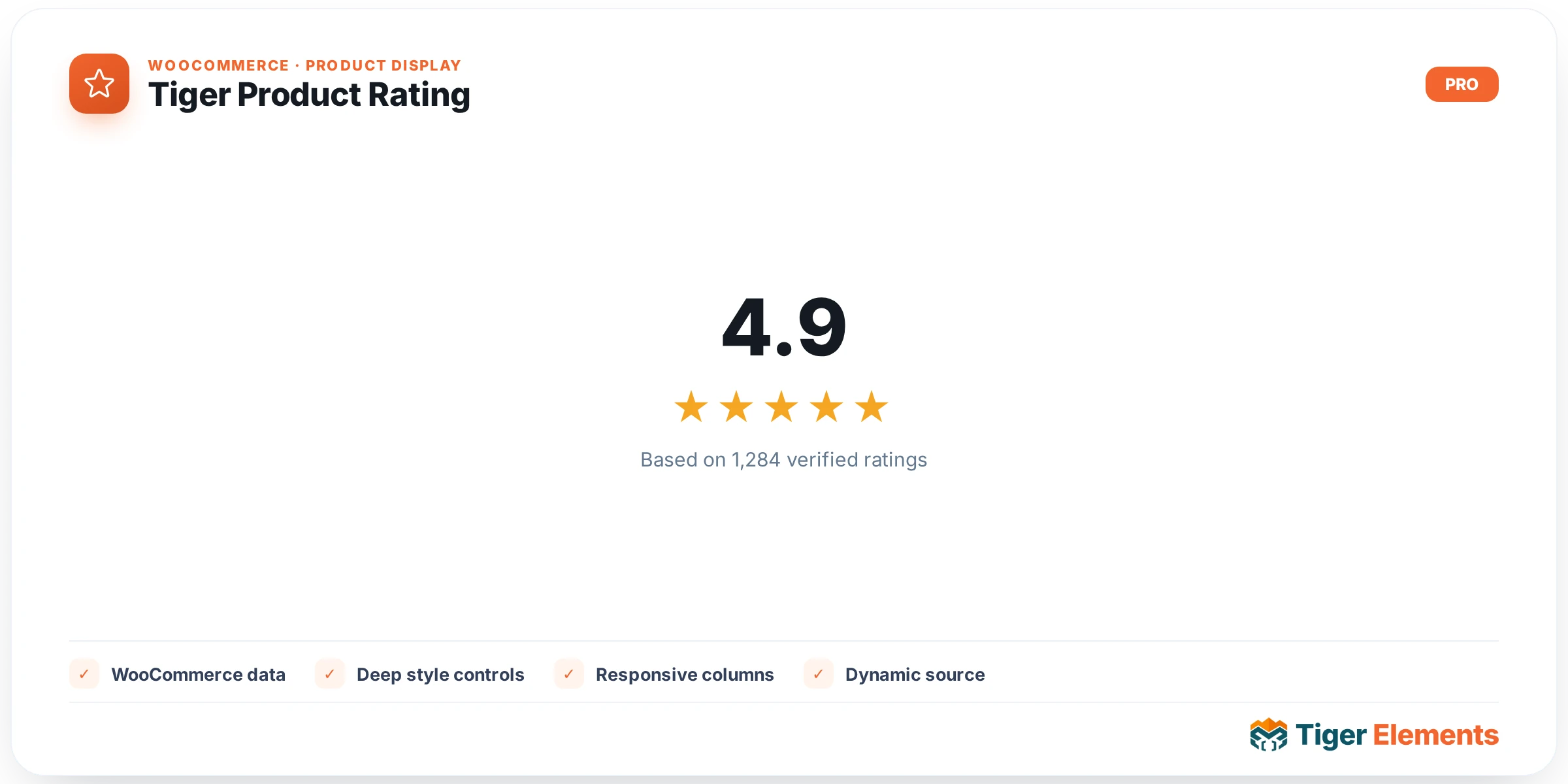
What Tiger Product Rating Does
Tiger Product Rating is a WooCommerce-aware Elementor widget that prints a product’s star rating and review count wherever it’s dropped inside a product context — a single-product template built with Tiger Theme Builder, or a product loop/archive card. It exists because relying on WooCommerce’s default star markup means depending on WooCommerce’s “star” webfont/CSS being enqueued on whatever template you’re building, which is fragile inside custom Theme Builder templates. Tiger Product Rating instead renders self-contained unicode stars that don’t need any external font, so the rating always displays correctly no matter what template context it’s placed in.
This widget requires WooCommerce to be active and needs an actual product in context: it reads the product either from a global $tiger_loop_post_id (when placed inside a Tiger loop/archive card) or falls back to get_the_ID() (when placed on a single-product template). If no product resolves, the widget renders nothing at all — even in the editor.
Setting It Up in Elementor
The “Rating” content section has a “Display” select control that governs the whole widget’s output shape, with four options: “Stars only”, “Value + Stars”, “Value only (4.0)”, and “Value out of 5 (4.0 / 5)”. Choosing a stars-inclusive mode renders the unicode star element; choosing a value-inclusive mode renders the numeric average (formatted to one decimal via number_format_i18n) before the stars.
Below that is “Show Review Count”, a switcher (default on) that reveals a conditional “Count Format” select once enabled, with three formats: “(N)” (parenthesized, the default), “N reviews” (a pluralized sentence), and “N” (plain number). Finally, “Hide if No Rating” is a switcher, on by default, that suppresses the entire widget on the front end when the product’s average rating is zero or less — useful so you don’t show an empty “0 stars (0)” block on unreviewed products.
The Style tab is organized into four sections, each conditionally shown based on your Display choice: “Stars” (visible for “stars” and “stars_value” modes) offers a responsive “Star Size” slider (px or em), separate “Filled Star Color” and “Empty Star Color” color pickers, and a responsive “Star Spacing” (letter-spacing) slider. “Value” (visible whenever a numeric value is shown) offers “Color”, a full typography group, and a conditional “/5″ Color” control that only appears in “value_max” mode. “Review Count” (visible when the count is enabled) offers its own color and typography group. “Container” is always available and covers responsive “Alignment” (left/center/right, mapped to flex justify-content), a responsive “Gap” slider between the stars/value/count elements, background (classic or gradient, no image), padding, margin, border, border radius, and box shadow.
Non-Obvious Behavior
Accessibility is handled independently of the visible Display choice: regardless of which mode you pick, the widget always injects a screen-reader-only sentence — “Rated X out of 5 based on N customer rating(s)” — via an aria-label on the star element and a visually-hidden .tg-sr-only span. This text is never visible on screen, so don’t expect it to show up even if you clear other style overrides; it exists purely for assistive tech.
In the Elementor editor canvas, if the resolved product has no rating yet (average ≤ 0), the widget doesn’t honor “Hide if No Rating” — instead it substitutes a representative preview: an average of 4.0 and a count of 12 (or the real count if one exists), purely so you can see and style the layout while editing. This preview behavior only applies in edit mode; the live front end respects “Hide if No Rating” exactly as configured. If WooCommerce isn’t active at all, the editor shows a plain “WooCommerce is not active.” notice inside the wrapper, while the live front end renders nothing.
When to Use vs. Related Widgets
Tiger Product Rating is purpose-built for the numeric average-rating + review-count display and nothing else — it doesn’t handle review submission forms, the individual review list, or star-selection inputs. If you need customers to leave a written review, that’s WooCommerce’s native comments/review system, not this widget. Use Tiger Product Rating specifically where you want a compact, style-controlled rating badge on a product card, product header, or comparison table, especially when you need a display mode other than WooCommerce’s default (e.g. “Value only” for a minimal numeric score, or “Value out of 5” for an explicit fraction).
Practical Tips
- If you want the rating to always show — even at zero — for consistency across a catalog, turn off “Hide if No Rating”; otherwise unreviewed products will simply omit the widget entirely on the front end.
- When using “Value + Stars” or “Value out of 5”, remember the numeric value is rendered before the stars in the DOM, so container “Gap” and “Alignment” settings control the spacing/ordering visually, not the source order.
- Because the stars are unicode-based rather than an icon font, “Star Size” and “Star Spacing” behave like text properties (font-size/letter-spacing) — test both em and px units to see which scales better with your surrounding typography.
- Set the “Empty Star Color” explicitly if your card background is dark; the star glyphs otherwise inherit whatever default text color is in play and can become invisible against dark backgrounds.