
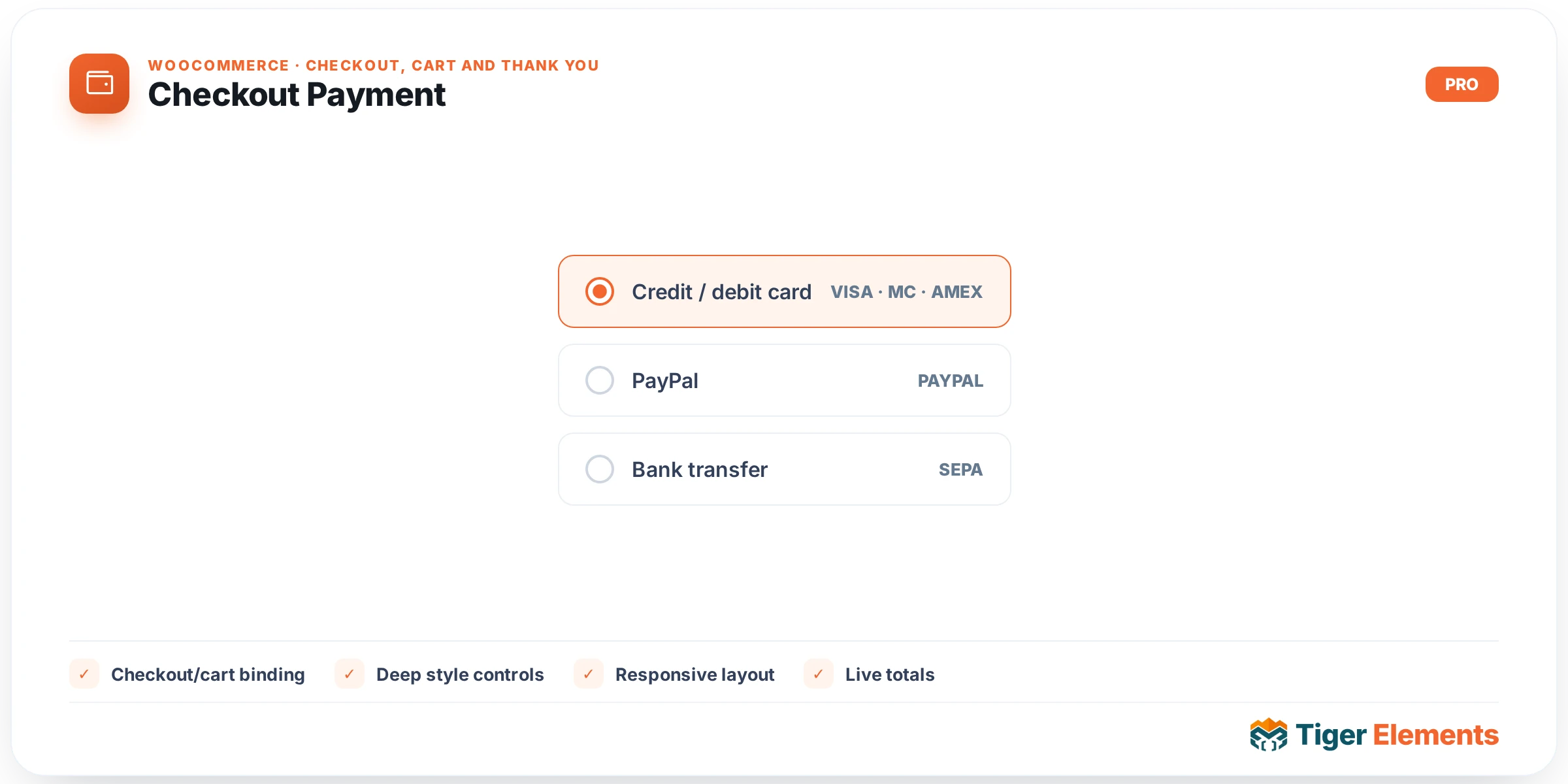
What Checkout Payment Does
Checkout Payment is the widget that carries the two most consequential pieces of the checkout page: the list of available payment gateways and the Place Order button that actually submits the order. Where Billing and Shipping are about collecting information, Payment is where a shopper commits to the purchase — so isolating it into its own Elementor widget matters for a different reason than the other two. It lets a builder give the payment area distinct visual weight (a card with its own background, a sticky footer bar, a different column entirely) and style the submit button to match brand guidelines, all without touching the billing or shipping layout around it. In a custom multi-column checkout, Payment is typically the last widget in the form flow, since the browser needs every other field to exist in the DOM before this button can submit a complete order.
Setting It Up
The Content tab has exactly one control: Place Order Button Text, a text field defaulting to “Place order” that overrides the button’s label. If left empty, the widget falls back to WooCommerce’s own woocommerce_order_button_text filter, so a store-wide button-text customization already in place from another plugin or the theme’s functions.php still applies even if this field is blank. On the Style tab, a dedicated Place Order Button section gives full control over that single element: background and text color (both targeting #place_order directly), a typography group, responsive padding, and a border-radius slider. Notably, this widget does not include the shared Fields style section that Billing and Shipping expose — it has no label/input fields of its own to style, since gateway markup is rendered by each payment plugin’s own template.
It Renders WooCommerce’s Own Template — Not a Rebuild
This is the single most important thing to understand before relying on this widget: it does not build a custom payment form. It bootstraps the checkout object the same way the other widgets do, then loops over WC()->payment_gateways->get_available_payment_gateways() and calls wc_get_template( 'checkout/payment-method.php', … ) for each one — the exact template WooCommerce core uses to render Stripe, PayPal, or any other gateway’s radio option and payment-form fields. It also renders checkout/terms.php, fires woocommerce_review_order_before_submit and woocommerce_review_order_after_submit (the hooks plugins use to inject things like a terms checkbox, a marketing opt-in, or an age-gate), and outputs the real WooCommerce process-checkout nonce field. Because every gateway’s own template and every one of these native hooks fire untouched, gateway-specific JavaScript, 3D Secure redirects, saved-card selection, and any plugin that customizes the order review area all keep working exactly as they do on the stock checkout page. This widget only repositions and restyles that native output.
Payment vs. Billing vs. Shipping vs. Order Review
Payment is functionally the “commit” step of the checkout family, and it depends on the state the other three widgets establish. Billing determines the payer’s country and address, which in turn can change which gateways WooCommerce considers available (a gateway restricted to certain countries won’t appear until billing address is filled). Shipping, when relevant, determines the shipping method whose cost feeds into the total shown at Payment and Order Review. Order Review displays that running total live as fields change, while Payment is where the shopper actually acts on it. Because of this dependency chain, Payment should always be placed after Billing and Shipping in the page’s visual and DOM order — placing it above them would mean gateways render before the customer’s country is known, and some gateways calculate live totals via AJAX keyed off the fields above.
Practical Tips
- If the gateway list looks empty while testing, check
WC()->cart->needs_payment()conditions first — a $0 order (e.g. a free coupon) legitimately shows no gateways and no error, which mirrors native checkout behavior exactly. - Keep the Payment widget below Billing and Shipping in DOM order, not just visual order, since some gateways’ AJAX totals recalculation and address-dependent availability checks assume the address fields already exist on the page.
- Test the button-text override with a gateway plugin that also filters
woocommerce_order_button_text(some subscription or deposit plugins do); if both are set, this widget’s own field wins since it’s checked first. - Since there’s no Fields style section here, any gateway-specific input (like a credit card number field rendered by a gateway’s own template) won’t pick up your Billing/Shipping field styling — style those separately via the gateway plugin’s own settings or custom CSS if visual consistency matters.