
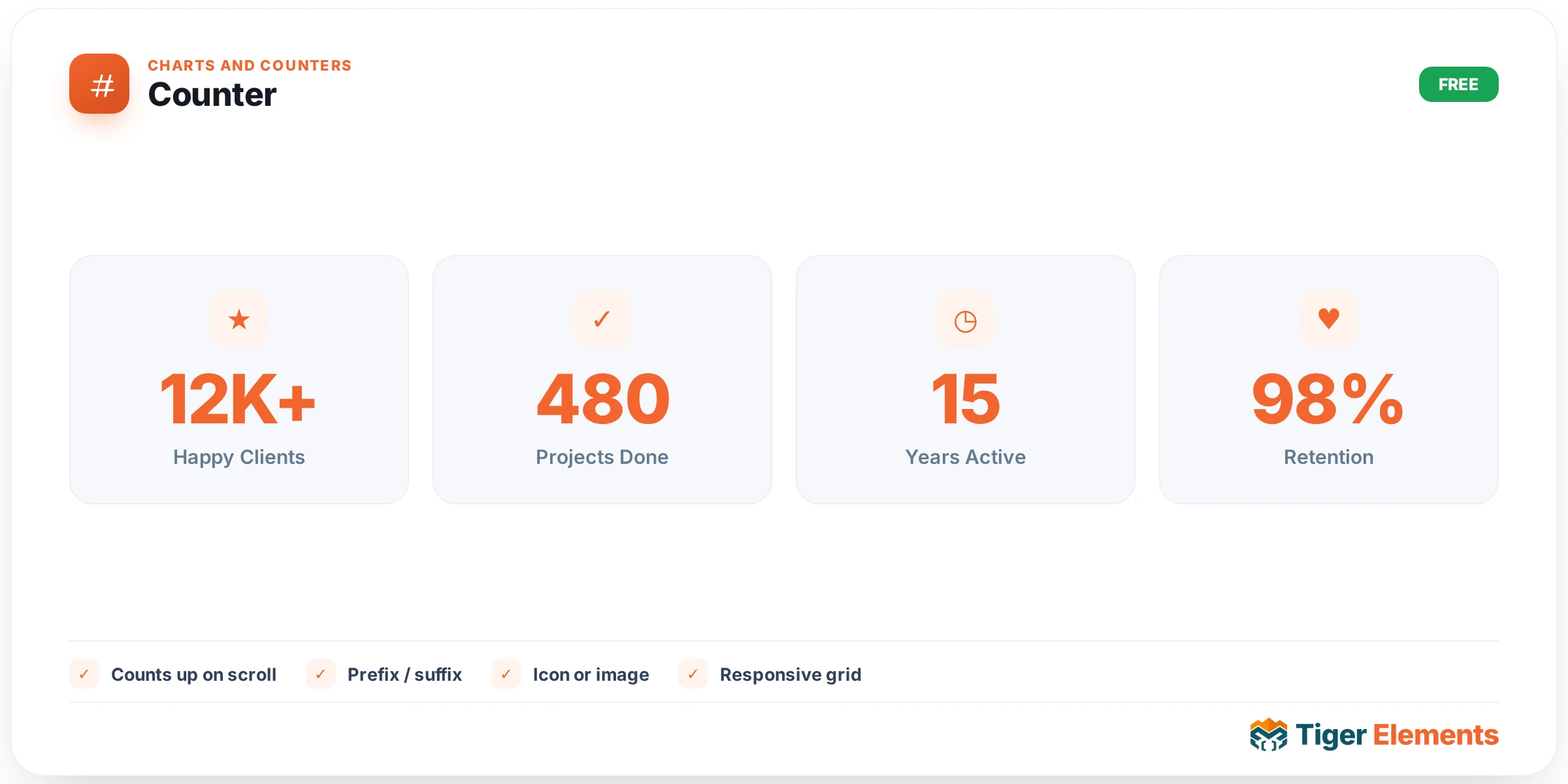
An animated number that counts up from a start value to an end value the moment it scrolls into view — the classic "500+ happy clients" or "10,000 orders shipped" stat block seen across countless landing pages, and for good reason: a number that visibly climbs to its final value reads as more impressive and more memorable than the same number simply sitting static on the page from load.
Why the animation is scroll-triggered, not load-triggered
The count-up is fired via an IntersectionObserver watching for the widget to actually enter the visitor’s viewport, rather than starting the moment the page finishes loading. This distinction matters more than it might first appear. A stat block placed anywhere below the very top of a page would, if triggered on load, either animate uselessly while completely off-screen — wasted motion the visitor never sees — or, worse, have already finished counting up by the time the visitor actually scrolls down to see it, meaning they only ever see the static final number and never experience the count-up effect the widget is built around. Scroll-triggering solves both problems at once: the animation only plays once the visitor is actually positioned to see it happen.
Configuring the count
Set the Animation duration to control how long the count-up takes to complete — a fast count-up (under a second) reads as a snappy, energetic reveal, while a longer duration gives the climbing number more visual weight and lets a visitor genuinely watch it ascend rather than perceiving it as an instant flicker. A thousands-separator switcher formats large numbers for readability — the difference between "10000" and "10,000" is small typographically but meaningfully affects how quickly a visitor can parse the number at a glance, particularly for stats in the thousands or higher.
Free-text prefix and suffix fields handle everything the raw number itself can’t express — a currency symbol before the number ("$"), a plus sign after it to indicate "at least this many" rather than an exact count ("500+"), a percent sign, or a unit label ("GB", "users", "downloads"). Because these are separate fields from the number itself, they stay static while only the numeric portion animates — a prefix/suffix that itself animated in alongside the counting number would look distracting rather than polished.
Use it for
A row of key business stats along a homepage or about page — clients served, years in business, projects completed, average rating — is the most common and effective use, especially when several Counters sit side by side, each animating independently as the visitor scrolls to that section. Pairing a Counter with the Info Box widget (icon or label above, counting number below) is a natural combination for a more complete stat card rather than a bare number floating alone.
Practical tips
- Keep the animation duration in a comfortable middle range — too fast and the count-up is barely perceptible, too slow and a visitor may scroll past before it finishes; somewhere around one to two seconds tends to read as genuinely satisfying without feeling sluggish.
- Always enable the thousands-separator for any number in the thousands or above — an unformatted five-digit number is meaningfully harder to parse at a glance than the same number with commas.
- Be honest with the numbers you display — a "500+" suffix implies the true count could be somewhat higher, which is fine when accurate, but using it to round up a genuinely smaller number undermines the credibility the stat is meant to build.