
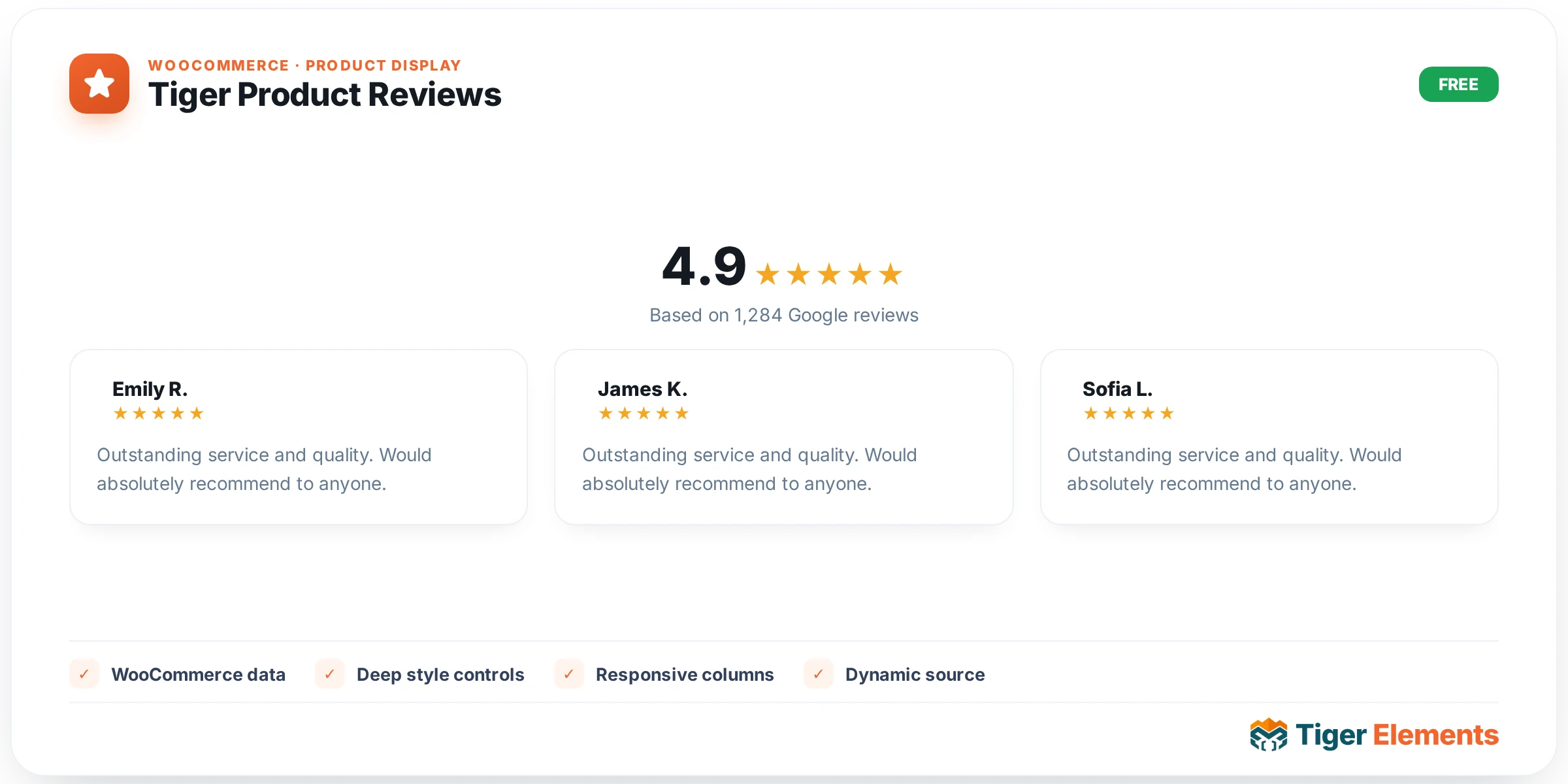
What Tiger Product Reviews does
Tiger Product Reviews is a WooCommerce-dependent widget that outputs the standard reviews section for the current single product: the rating summary, the list of existing reviews (with avatars, star ratings, author, date and body text) and the “Add a review” comment form with its star selector. Rather than reinventing this logic, the widget renders it through WordPress core’s comments_template(), which WooCommerce intercepts to load its own single-product-reviews.php template. That means rating math, “verified owner” badges, comment moderation and login gating all behave exactly as they do on an unstyled WooCommerce install — the widget only wraps the native output in a brand-scoped .tg-reviews container and layers Elementor-Pro-depth styling controls on top.
Because this widget resolves a real WooCommerce product object before it can render anything, it only produces output when placed inside a single-product context — either a Tiger theme-builder single product template, or a product loop/archive card where a product is currently in scope. On any other page it renders nothing on the live front end. In the Elementor editor, if no product can be resolved, it shows an editor-only hint: “Place this widget on a single-product template to preview reviews.” — so builders aren’t left staring at a blank canvas wondering if the widget is broken.
Setting it up in Elementor
The widget’s Content tab is deliberately small — it exposes exactly two switches under the Reviews section:
- Show Reviews List — toggles the comment list and the “no reviews yet” placeholder. When switched off, this doesn’t stop the list from rendering server-side; it hides it purely with CSS (
.tg-reviews.tg-hide-list .commentlistand.woocommerce-noreviewsgetdisplay:none). - Show Review Form — same pattern, hiding
#review_form_wrapperand#respondvia a.tg-hide-formclass rather than skipping the render.
Both default to “yes.” Because the hide behavior is CSS-only, a customer whose browser has JavaScript or CSS disabled (or who views cached HTML before styles load) will briefly see the hidden block — worth keeping in mind if you’re hiding the form for compliance or workflow reasons rather than pure cosmetics.
The Style tab is organized into four sections that map directly onto the WooCommerce reviews DOM: General (Text Color, Link Color, Star Color, and a responsive Star Size slider that scales .star-rating via font-size in em units), Title (Color plus a full Typography group control and a Spacing Below slider for the “Reviews” heading), Review Item (Avatar Size and Avatar Radius sliders, Author Color plus typography, Date Color, Review Text Color plus typography, Item Padding via a dimensions control, a Border group control, and a Gap Between Reviews slider), and Review Form, which is the deepest section — Form Title Color, Label Color, Input Text Color, Input Background, an Input Border group, Input Radius, Input Padding, and a dedicated Submit Button subsection with its own Typography, Padding and Border Radius controls plus Normal/Hover tabs for Text Color and Background.
Non-obvious behavior worth knowing
The widget checks comments_open() on the resolved product before rendering anything on the front end — if reviews are disabled for that specific product (or globally via WooCommerce settings), the widget silently outputs nothing, even with both switches set to “yes.” There’s no editor-only message for this case on the live page, since the check only runs outside edit mode.
Under the hood, the render method temporarily swaps the global $product and $post to the resolved product, calls setup_postdata(), and then calls WordPress’s comments_template() — which WooCommerce hijacks via its own filter — before restoring the previous globals with wp_reset_postdata(). This swap only happens for the specific product resolved by the widget (via a loop’s $tiger_loop_post_id global if present, or falling back to get_the_ID()), so it’s safe to use inside product loop cards as well as single-product templates without leaking state to neighboring widgets.
When to use it vs. Tiger Product Tabs
Tiger Product Tabs (tiger-product-tabs-widget.php) also has a Reviews tab, controlled by its own Reviews Tab switcher and a Reviews Label text control that supports a {count} placeholder for the live review count. Internally, though, Tabs doesn’t reimplement review logic — it calls WooCommerce’s native woocommerce_output_product_data_tabs(), which renders the reviews panel using the same core template that Tiger Product Reviews uses. Both widgets end up rendering identical WooCommerce reviews markup; the difference is presentation. Use Tiger Product Tabs when you want reviews bundled alongside Description and Additional Information in one tabbed unit (with control over nav orientation and active/hover states). Use standalone Tiger Product Reviews when you want the reviews section to live on its own, independently styled and positioned. Don’t enable both on the same template with reviews active in each — customers would see the list and form twice.
Practical tips
- If you disable the review form but keep the list visible, existing customers can no longer submit new reviews through this widget instance — but they still can from anywhere else on the site the form is exposed (e.g., inside Tiger Product Tabs), since visibility is per-widget, not global.
- Star Color targets three separate selectors (
.star-rating span::before,.star-rating::before, andp.stars a::before) to cover both the read-only rating display and the clickable star picker in the review form — set it once and both match. - Because the widget bails out entirely when
comments_open()is false, test with a product that has reviews explicitly enabled (Product Data → Advanced → Enable reviews) before assuming a styling change isn’t working. - Avatar Size and Avatar Radius only affect the review list’s Gravatar images; there’s no control to disable avatars outright — use Avatar Size at 0 or hide via custom CSS if you need a text-only layout.