
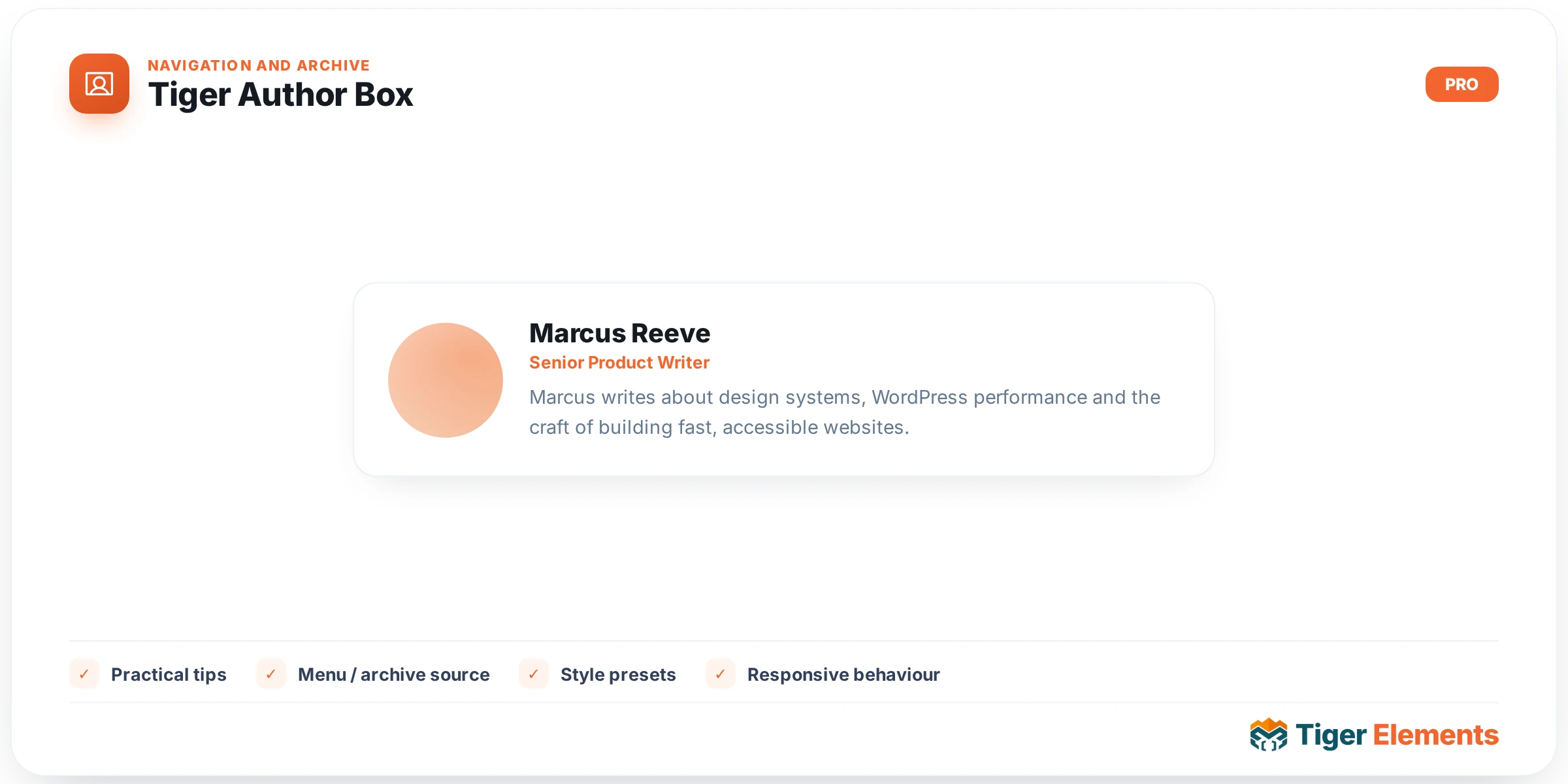
Tiger Author Box builds a complete, self-contained “who wrote this” card — avatar, name, biography, and a row of links — from a single drop-in widget. It exists so you never have to hand-assemble an author byline out of separate image, heading, and text widgets, and so the whole thing keeps working correctly inside archive loops, single-post templates, and Theme Builder single-post conditions alike. The widget reads straight from WordPress user data: the display name, the “Biography Info” field from the author’s profile, their “Website” field, and their Gravatar/local avatar, so the content stays accurate automatically as posts change author or as a writer updates their own profile — there is nothing to retype per page.
Setting it up
Controls live in a single “Author” content section, organized under headings for Avatar, Name, Biography, and Links. Show Avatar toggles the picture on or off, and Image Resolution (px) sets the source size requested from the avatar service (24–512px) — note this is deliberately separate from the on-screen size, which you control later in Style → Avatar → Display Size, so you can request a crisp high-resolution source image while still rendering it small.
Under Name, Show Name toggles the byline, Name HTML Tag lets you pick H2 through H5, div, or span, and Link Name to Archive (on by default) wraps the name in a link to the author’s post archive via get_author_posts_url().
Under Biography, Show Biography pulls the WordPress “Biographical Info” field from the author’s profile (not post content, not an excerpt), and Word Limit trims it with wp_trim_words() — leave it at the default 0 to print the full bio untouched.
Under Links, Show “More Posts” Link plus its Link Text field adds a link to the author archive with your own wording, and Show Website Link pulls the author’s profile “Website” field and renders it with rel="nofollow noopener" opening in a new tab. A Social Links repeater lets you add any number of icon-plus-URL rows — each row has an Icon picker (defaults to a Twitter/X brand icon) and a URL field with standard link options (nofollow, open in new tab), rendered as icon-only links with hidden accessible text for screen readers.
Style controls mirror the content sections: Box (avatar position — Left/Top/Right via a flex-direction switch, vertical alignment, gap, text alignment, background with gradient support, padding, margin, border, radius, shadow), Avatar (display size, radius, border, Normal/Hover shadow tabs plus a hover scale slider), Name (typography, text-shadow, Normal/Hover color tabs, spacing below), Biography (text color, typography, link color, paragraph spacing, spacing above), and Meta Links (typography, gap, spacing above, social icon size, Normal/Hover color tabs).
Non-obvious behavior
Inside the editor canvas, if the widget is dropped somewhere with no real post context — for example a Theme Builder template being edited standalone — it falls back to previewing the currently logged-in editor user (or user ID 1) rather than rendering blank. On the live front end this fallback never triggers; the widget always reads the actual post’s author. If a post has no author, or the resolved author has an empty biography field, the corresponding block is simply omitted rather than showing empty markup — the biography paragraph and the meta-links cluster only print when they have real content, so you won’t get a stray empty styled block when a writer hasn’t filled in their bio yet.
When to use this vs. a related widget
Tiger Dynamic Meta also has an “Author Name” field option and can link it to the author’s archive page, but it only prints a single inline text/link fragment as part of a meta row — it has no avatar, no biography, and no social links, and it’s meant to sit alongside date, category, or reading-time fragments in a compact byline strip (e.g. “By Jane Doe · July 9, 2026 · 4 min read”). Reach for Author Box instead whenever you need a standalone, visually distinct author card: at the bottom of a blog post, in a team/contributors archive, or in a sidebar widget area. If you only need the author’s name threaded into a one-line post-meta strip next to other metadata, Dynamic Meta is the lighter, more compact choice — Author Box is deliberately the heavier, boxed presentation with its own background, border, and shadow controls.
Practical tips
- Set Image Resolution (px) noticeably higher than your on-screen Display Size (e.g. request 240px but display at 72px) if your design puts the avatar on a high-density display or lets it scale up on hover — the hover-scale control in the Avatar tab will look sharp instead of blurry if the source resolution has headroom.
- Because the biography text comes straight from each user’s profile field, audit your authors’ “Biographical Info” entries in Users → Profile before launch — an empty field simply hides the whole biography block, which can make a card look sparse or asymmetric next to authors who did fill theirs in.
- Use Word Limit on archive/team-grid layouts where cards need equal height, but leave it at 0 (full biography) on single-post author boxes where you want the complete, unclipped bio.
- The Social Links repeater’s URL field exposes Elementor’s normal “Open in new window” and “Add nofollow” toggles per row — turn nofollow on for social profiles you don’t want to pass link equity to, since the widget respects that setting individually per link rather than applying one blanket rule.