
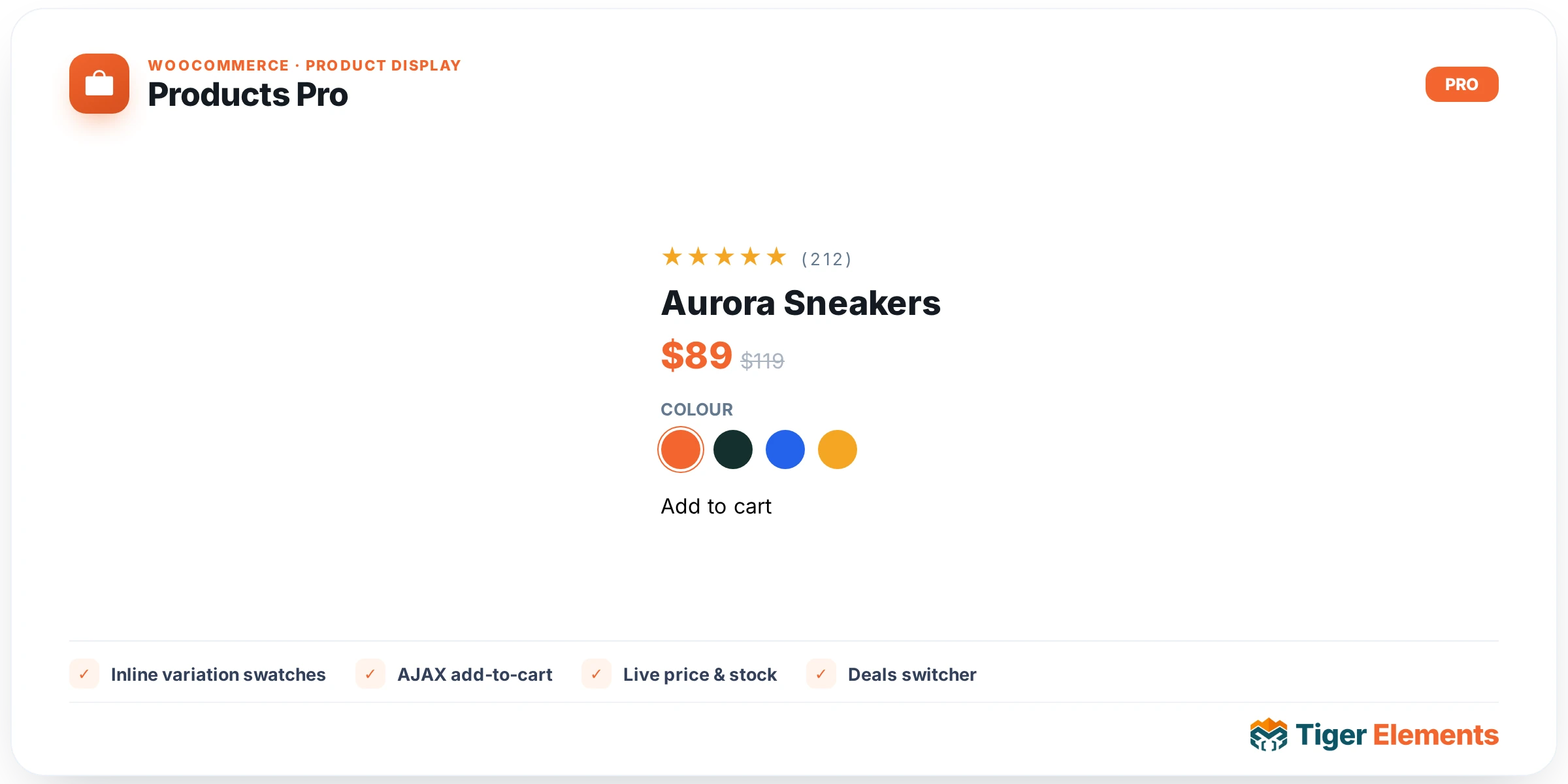
Overview
Tiger Products Pro is an advanced, interaction-first WooCommerce products widget. Unlike a static catalog grid, it puts variation swatches (colour, size, image) directly on each card: shoppers pick options on the card itself and the price, image and stock update live — no page reload, no modal. It reuses the shared Tiger query engine and the Connection-ID filter bus, so the entire Tiger Filter Suite (checkboxes, price range, star rating, WooCommerce status, sort, and more) drives it.
Presets
- Swatch-First — a vertical card with the colour/size swatches shown prominently under the title. Best for stores where variations matter (apparel, accessories).
- Quick-Shop Overlay — the buy panel (swatches + quantity + Add to cart) slides up over the image on hover, keeping the grid clean. On touch devices the panel stays visible.
- Compare Row — horizontal list rows with the image on the left and swatches/price/actions on the right. Ideal for dense catalogues and deal pages.
Inline variations
For every variable product, the card renders one swatch row per variation attribute. Selecting a value from each attribute resolves the matching variation and instantly updates:
- the price (including sale prices),
- the product image (swaps to the variation image when set),
- the stock state — out-of-stock combinations disable the button and show “Sold out”.
Until every attribute is chosen, the button reads “Select options” and stays disabled — exactly like the single-product page, but on the card.
Connect it to filters
Give Products Pro a Connection ID (Content → Cross-Widget Sync) and set the same ID on any Tiger Filter widget. Filter clicks, search, sort and the WooCommerce status facet then AJAX-refresh the grid with no page reload.
Key controls
- Layout — preset, responsive columns, source (Latest / On Sale / Featured), order-by (incl. Price, Popularity, Rating), products per page.
- Card — title tag, category, rating, badge, quantity, Add-to-Cart label, and Quick View / Wishlist / Compare quick-actions.
- Include / Exclude — narrow by product categories, tags, IDs.
- Style — full control over the grid, card box, media (aspect ratio, fit, hover zoom), title & price, swatches, the Add-to-Cart button and badges.
Requirements
WooCommerce must be active. Colour/image swatches are auto-detected from the attribute term’s image or colour meta where available; otherwise a text chip is shown. Products Pro is a Pro widget.
Deals & sales switcher
Enable the Deals switcher (Content → Deals & Sales) to show a tab bar above the grid. Each tab re-queries live WooCommerce data via AJAX — no reload:
- On Sale — every product currently on sale.
- Ending Today / This Week / This Month — active sales whose scheduled end date falls within the window (real urgency, from the WooCommerce sale end date).
- Best Sellers — ordered by total units sold.
You can also show a “X sold” badge on each card (total units sold), with a minimum threshold and custom text.