
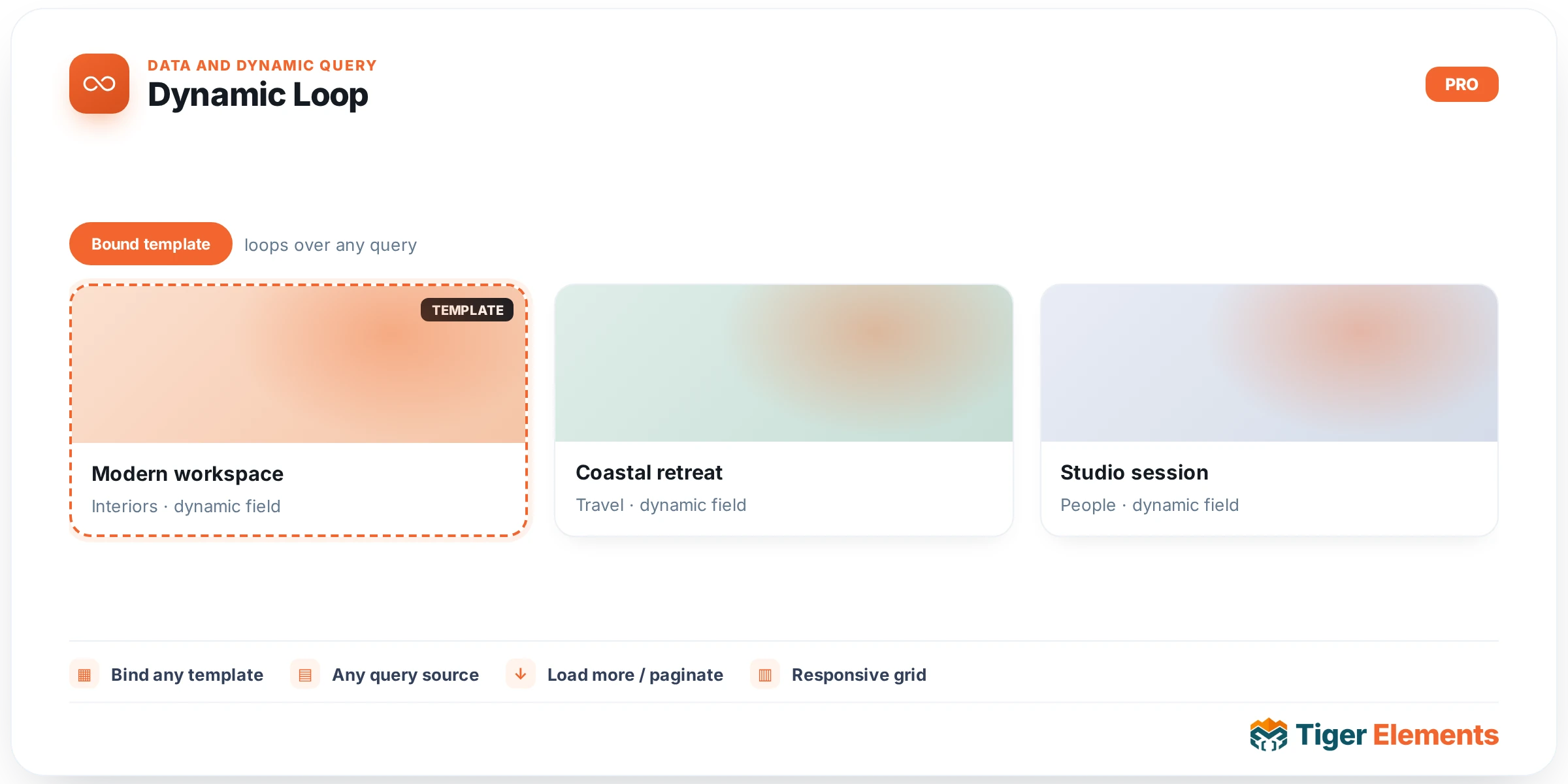
Tiger Dynamic Loop renders a real Elementor Loop Template — one you design yourself, card by card — against a configurable query, with an optional Grid/List toggle and AJAX Load More pagination. Where Tiger AJAX Grid gives you a fixed set of card presets (Magazine/Overlay/Minimal) driven by dropdown field-pickers, Dynamic Loop hands the entire card layout to a Theme Builder Loop Template, so what renders per post is exactly what you built in the template editor — any widget, any structure, no preset constraints. For the full deep-dive on this widget’s query modes, styling system, and setup walkthrough, see the existing article at /doc/dynamic-loop-and-query-grid/; this entry is a quick orientation to what the widget is and its core controls.
Core setup: Templates & Layout
The Templates & Layout section is where you pick the actual rendered design. Grid Template selects the Loop Template used for the default grid view (pulled from `tiger_template` posts tagged as loop templates). Turning on Enable Grid/List Toggle reveals a second List Template picker — typically a horizontal-card variant of the same template — plus a front-end toggle button visitors can click to switch views. Grid Columns (a responsive 1–6 slider) and Grid Gap (px) control the CSS grid that wraps whichever template is active.
Core setup: Query Builder
The Query Builder section’s Query Source dropdown is the widget’s most important decision, with four options: “WordPress Query” (a standard WP_Query you configure with Post Type, Posts Per Page, Include Categories/Terms, Include Tags, Authors, Order By, and Order), “Current Query (Archive)” (inherits the site’s main query — the way to build an archive template body), “Related Posts (by Meta Key)” (finds posts whose named meta key equals the current post’s ID — a lightweight related-content pattern), and “External REST API” (fetches and field-maps a JSON endpoint, with response caching via Cache (seconds)). The shared Include/Exclude Filter block from `Tiger_Post_Query_Filter` is appended automatically for the WordPress Query source, layering on top of the widget’s own Include Categories/Tags pickers. Enable Pagination exposes Pagination Type — Numbers (standard) or Load More Button (AJAX), the latter with configurable Button Text, Loading State Text, and Error State Text.
Cross-widget sync
Like AJAX Grid, Dynamic Loop has its own Cross-Widget Sync Connection ID: set the same ID as a Tiger AJAX Filter widget and that filter’s taxonomy/search/sort clicks will AJAX-swap this loop’s rendered cards, no reload and no custom JS. The widget’s script dependencies include both `tiger-ajax-grid` (the Filter widget’s UI driver) and a dedicated `tiger-dynamic-loop-filter` script — described in the codebase as a “self-healing AJAX swap listener” — so the same Filter widget vocabulary works across both AJAX Grid and Dynamic Loop without needing separate filter UI per widget type.
A worth-knowing quirk
Elementor’s Loop Template renderer can return one stray trailing closing </div> per rendered item, which — left uncorrected — breaks out of the grid wrapper and collapses a multi-column layout down to one column after the first post. The widget silently balances this by trimming excess closing tags before output, so this is invisible in normal use, but it explains why hand-edited or copy-pasted Loop Templates occasionally render correctly standalone yet oddly inside this widget if the balancing logic can’t fully reconcile a more unusual markup structure.
When to use it vs. related widgets
Use Dynamic Loop when the card design must be pixel-exact or reuse an existing Theme Builder Loop Template — portfolios, team grids, product cards with custom layouts. Use AJAX Grid instead when you want a fast, no-template-editing card via field-picker dropdowns (Magazine/Overlay/Minimal). Use the “Current Query (Archive)” source specifically when building archive/category templates in the Theme Builder, since that’s the one query source designed to inherit the page’s main query rather than run a separate one. Note too that in the Elementor editor canvas, Dynamic Loop cannot preview every matching post through the real Loop Template — Elementor collapses repeated nested documents to one — so the widget substitutes a plain generated preview card (image, title, trimmed excerpt) purely so the Columns/Gap controls remain visually adjustable while editing; the front end always renders the real template per post.
Practical tips
- Read the full deep-dive doc at
/doc/dynamic-loop-and-query-grid/before building a REST API-sourced loop — field mapping (Title/Image/Excerpt/Link Field with dot-notation support) has nuances better covered there than in this summary. - If a multi-column grid mysteriously collapses to one column after the first item, suspect an unusual Loop Template markup structure tripping up the automatic div-balancing fix rather than a CSS/columns setting.
- Related Posts (by Meta Key) only works on singular views where a current post ID exists — it will return nothing on archive or non-singular contexts.
- When using Current Query (Archive), remember Posts Per Page and the widget’s own Post Type/category pickers are irrelevant — the archive’s own query parameters (from the URL/taxonomy) govern results instead.