
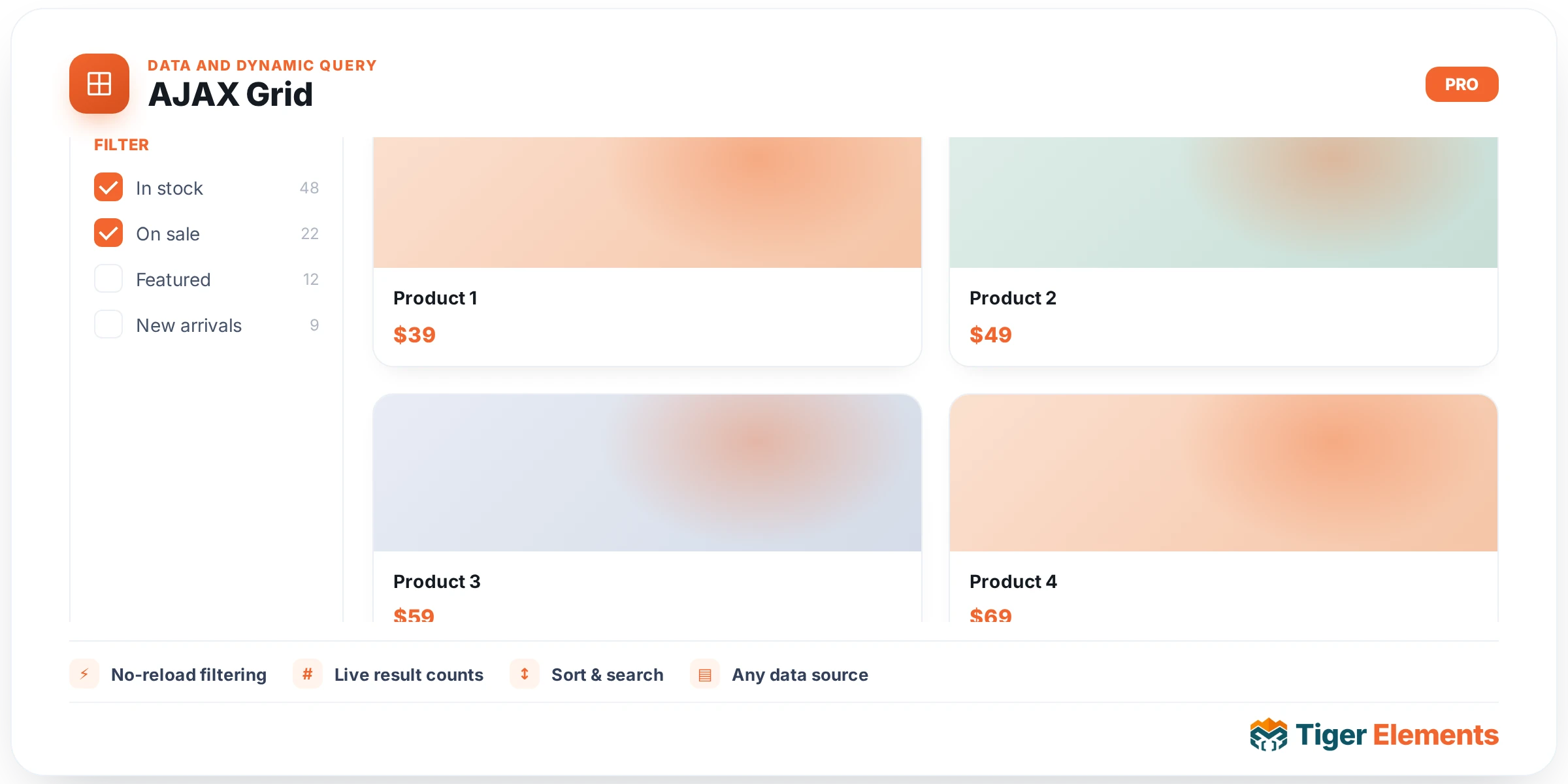
Tiger AJAX Grid is the plugin’s flagship dynamic content widget: it queries any registered post type (public or private/internal), lays the results out as visually composed cards, and refreshes those cards over AJAX for pagination and live filtering without a page reload. Where a generic “posts grid” widget hands you a fixed card template, AJAX Grid gives you a per-slot field picker — you decide, control by control, what data fills the image, eyebrow, title, meta line, body, and button of every card. It exists to cover the gap between “basic post loop” and a full custom Loop Template build: fast to set up, but flexible enough to represent ACF-driven content without touching a template editor.
Setting up the query
In the Query section you choose a Query source: either “Build here (post types below)” (inline) or, if the Tiger Query data-hub feature is active, a “Saved Tiger Query” from the Saved query dropdown. Inline, the Post Types control is a multi-select listing every registered post type — including private/internal CPTs used by booking systems — so you can mix “post” and “project” into one cross-content grid. Posts Per Page (default 9, capped 1–60), Order By (Date, Title, Menu Order, Random, Comment Count) and Order (Descending/Ascending) round out the basic query. A shared Include/Exclude Filter section (categories, tags, authors, IDs, exclude-current-post) is injected automatically, giving consistent filtering UI across Tiger’s query widgets.
Card Preset and layout
The Card Preset section uses a CHOOSE (icon-button) control with three options — Magazine, Overlay, and Minimal — each with an inline hint box describing its look. Magazine is the classic editorial card (image on top, generous padding, light shadow) suited to blogs. Overlay is a full-bleed image card where eyebrow and title sit over a gradient and body/button reveal on hover — built for portfolios and visual catalogs. Minimal is a text-forward, hairline-accented layout for news and dense lists. Under the hood all three preset stylesheets are always enqueued together (not just the active one), because Elementor’s editor preview doesn’t re-fire enqueue hooks when you switch presets in the panel — loading all three avoids stale CSS while costing only a few KB. The Layout section then sets Grid / Masonry / List (single column), a responsive Columns slider (1–6, defaulting 3/2/1 across desktop/tablet/mobile), and a responsive Gap (px) control.
Composing the card
The Card section is where AJAX Grid earns its “visual card builder” description. Show Featured Image toggles the thumbnail, with Image Size, Image Ratio (Auto, 1:1, 4:3, 16:9, 21:9, 3:4), responsive Image Width/Image Height sliders (note: a fixed height overrides the ratio), and Image Fit (object-fit values). Then four field-mapping dropdowns — Eyebrow Field, Title Field, Meta Field (small), and Body Field — each pull from the same option list: core tokens (Title, Excerpt, Content (full), Date, Author Name, Categories, Tags, Comment Count) plus any auto-detected ACF fields, prefixed “[ACF]” in the dropdown. This ACF list is built across all post types at once (not filtered by the widget’s selected post type) because filtering it would trigger infinite recursion in Elementor’s settings resolution — a deliberate, documented trade-off. When an image is showing, Place Eyebrow Over Image repositions the eyebrow as an overlay tag rather than text above the title, with its own Style-tab position/offset/background controls. Show Button plus a dynamic-tag-enabled Button Text field finish the card.
Pagination and cross-widget sync
The Pagination section offers None, “Load More button” (with its own Load More Text), or “Numbered (1 2 3)” — both AJAX-driven, no reload. Query settings travel in a signed payload token attached to the wrapper, verified by the AJAX endpoint before running follow-up pages, so post type or page-size can’t be tampered with via devtools. The Cross-Widget Sync section exposes a Connection ID: set the same ID on a Tiger AJAX Filter widget and that filter drives this grid’s query, zero JavaScript required. A companion Emit “goto” event on card click switch turns card clicks into an event broadcast (with the clicked card’s index) instead of navigation — for thumbnail-grid-driving-carousel patterns where the grid controls something like a Swiper widget.
When to use it vs. related widgets
Choose AJAX Grid over Tiger Dynamic Loop when you want fast, code-free card composition through dropdowns rather than a fully custom Elementor Loop Template — it’s the better fit for content editors who need a magazine/overlay/minimal card without building layouts. Reach for Dynamic Loop instead when you need pixel-exact per-item design (it renders a real Elementor Loop Template per post). AJAX Filter is a required companion, not a substitute — it has no query or rendering of its own; it only emits events that AJAX Grid (or Dynamic Loop, via its own Connection ID) listens for.
Practical tips
- If a card’s meta or body text looks wrong for a CPT, check the exact field-picker dropdowns first — the ACF list is global across all post types, so it’s easy to select a field that doesn’t exist on the post type you queried; it will just render blank.
- Use “Setting a fixed Image Height” only when you need strict uniform card heights across a mixed-ratio image set — remember it silently disables Image Ratio, which can surprise you if you tweak ratio afterward expecting a change.
- For a thumbnail-grid-controls-carousel pattern, turn on Emit “goto” event on card click and give the grid the same Connection ID as your carousel/swiper widget — this replaces normal permalink navigation on click, so don’t enable it on a grid meant to link to real posts.