
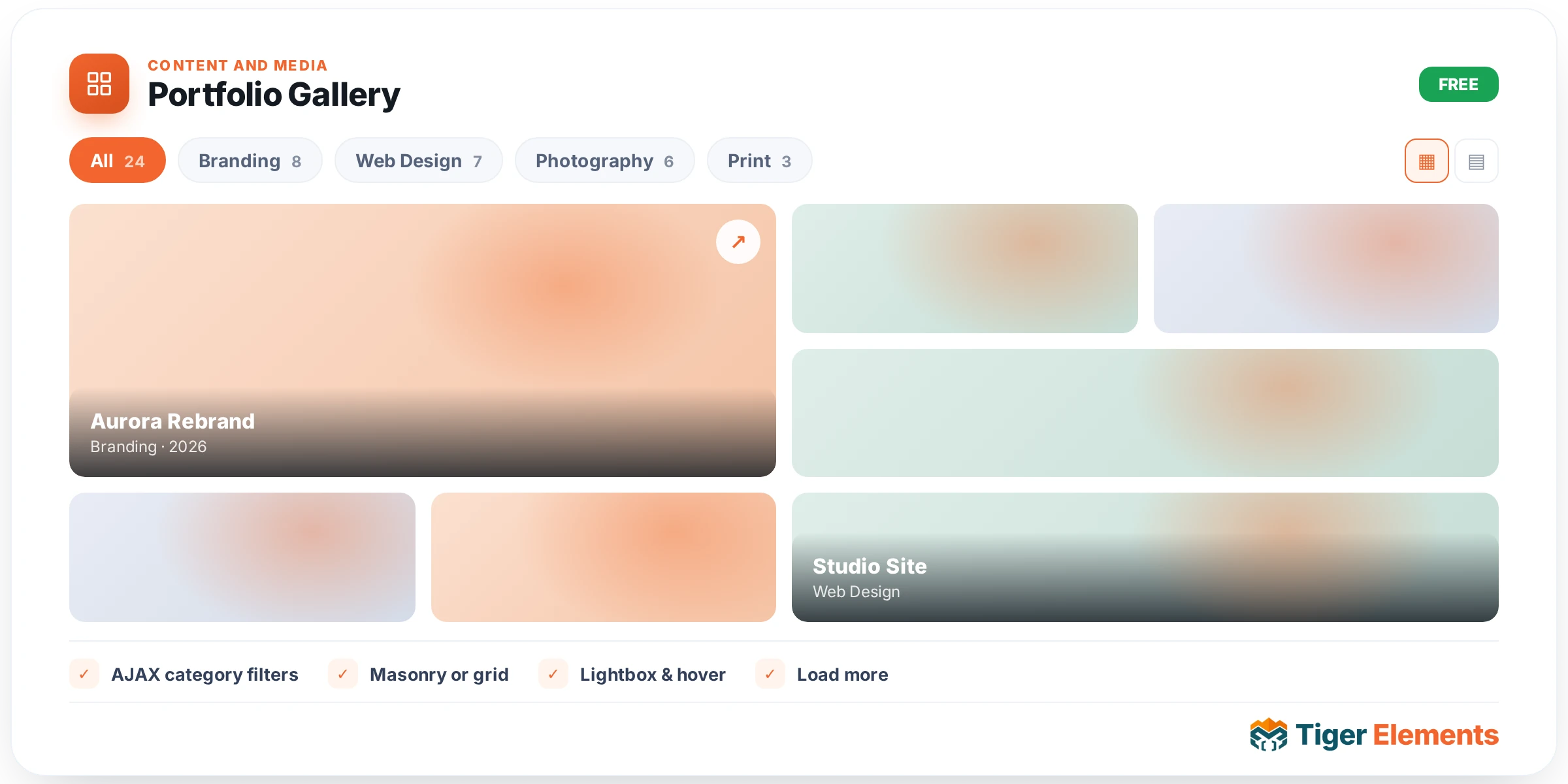
A filterable project/portfolio grid — the widget for a design studio, agency, or creative professional showcasing a body of work in a way that lets visitors narrow down by category rather than scrolling through every project indiscriminately. Filtering matters more than it might first seem: a portfolio with even a modest range of work (branding projects alongside web design alongside photography, say) benefits enormously from letting a visitor self-select into the specific category they actually came to see.
Two ways to source content
The widget offers a genuine choice in how portfolio items get populated. Manual mode uses a repeater where each entry carries its own title, comma-separated categories, image, description, and a button with a link — full manual control, well suited to a smaller, hand-curated portfolio where each entry deserves individual attention and the total item count is manageable to maintain by hand. From post types mode instead pulls existing content from a real WordPress post type — appropriate when portfolio items already exist as their own posts elsewhere on the site (a dedicated "Projects" custom post type, for instance), letting this widget display that existing content rather than requiring it to be re-entered a second time into the widget’s own repeater.
How the category filtering works
Each portfolio item’s categories (comma-separated in manual mode, or drawn from the post’s own taxonomy in post-type mode) drive a set of filter pills displayed above the grid. Clicking a pill narrows the visible grid to only items tagged with that category, letting a visitor progressively explore a specific type of work without needing to scroll past everything else first. A single item can belong to multiple categories simultaneously — a project that’s both "Branding" and "Print" will appear correctly under either filter — which matters for portfolio pieces that genuinely span more than one discipline.
Choosing manual versus from post types
The deciding factor is where the source of truth for your portfolio content actually lives. If projects don’t already exist as posts anywhere else on the site and this widget is the only place they’ll ever be displayed, manual entry is simpler and avoids setting up a whole separate content type just for this one widget. If portfolio items are, or should be, real content in their own right — individually linkable, potentially reused elsewhere, benefiting from their own dedicated single-post templates — sourcing from post types keeps that content properly modeled as first-class WordPress content rather than data buried inside one widget’s settings.
Use it for
Design and creative agency portfolios, photography galleries organized by shoot type or client, and any project-based business (architecture, construction, consulting) that wants to showcase a filterable body of completed work rather than a single undifferentiated list.
Practical tips
- Keep category names consistent and not overly granular — a filter list with a dozen narrow categories is harder to browse than four or five broad, meaningful groupings that genuinely help a visitor find relevant work.
- Switch to from-post-types mode the moment you anticipate needing individual project detail pages — retrofitting manually-entered portfolio items into real posts later is more work than starting with the right content model from the outset.
- Use consistent image aspect ratios across portfolio entries — a filterable grid with wildly inconsistent image proportions looks noticeably less polished than one with a uniform, considered visual rhythm.