
Connect Claude, Cursor, or VS Code and let it build and edit this site through Tiger Elements — with 80+ native tools, using your own AI subscription. No API key, no copy-and-paste.
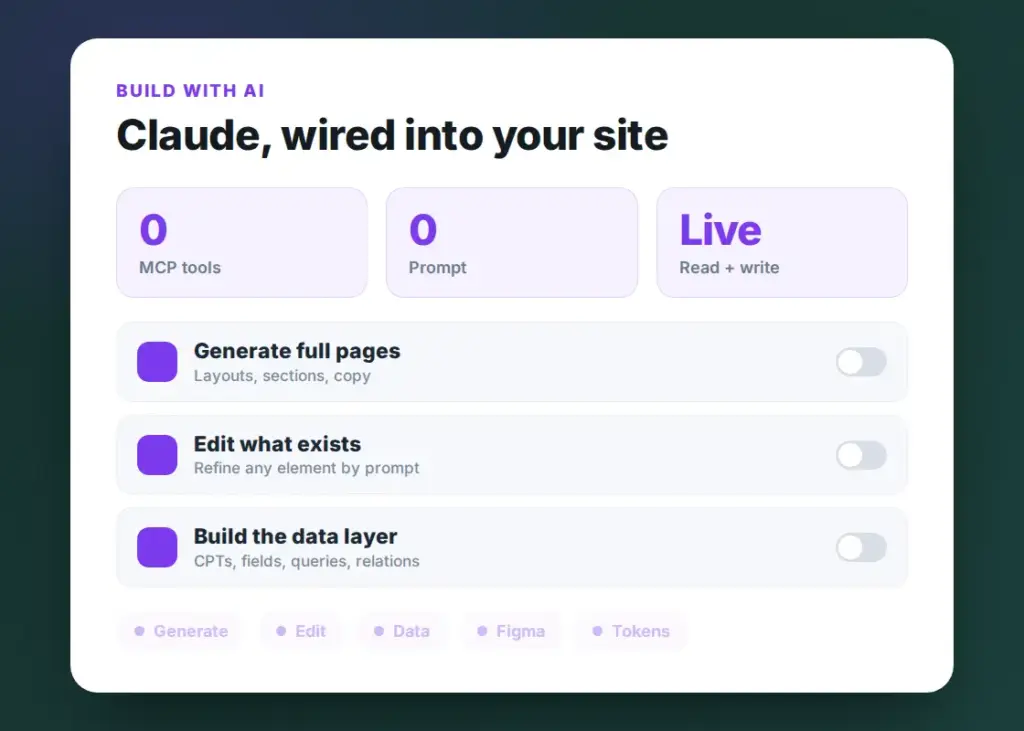
Describe a page and your AI builds it with real Tiger widgets — as an Elementor layout or a pixel-perfect native page.
Point it at any page to read the structure, then move, restyle, or rewrite individual widgets in place.
Spin up custom post types, custom tables, queries, and relationships between posts, users, and terms.
Read and set global design tokens and inject scoped CSS or JS, so everything stays on brand automatically.
Pair the Figma Dev Mode MCP with Tiger and turn a selected frame into a live, editable page.
Connect Claude Desktop, Claude Code, claude.ai, Cursor, or VS Code — using your own subscription, no API key.
Open Tiger Elements → Build with AI in your dashboard and generate a secure connection token. It is scoped to this site and can be revoked at any time.
Add Tiger’s MCP endpoint — /wp-json/tiger/v1/mcp — and your token to Claude, Cursor, or VS Code. One entry in the MCP config and you are connected.
Ask in plain English — “build a pricing page”, “add an FAQ”, “create a Team post type”. Your AI uses 80+ Tiger tools to do it on your real site.
This isn’t an AI that dumps code you have to wire up yourself. Through the Model Context Protocol, your assistant works directly on this WordPress install — creating pages, widgets, post types, queries, menus, and popups, then reading the result and refining it, all with your approval.
Claude, build a pricing table on the Services page with 3 columns, using our global brand colors.
Assign specific connector scopes. Let a copywriter use AI to read the site design and suggest content without breakages.
No. You connect with your own Claude, Cursor, or VS Code subscription. Tiger never asks for an API key or bills you per token.
Claude Desktop, Claude Code, claude.ai, Cursor, and VS Code — anything that speaks the Model Context Protocol.
Yes. The connection uses a revocable, site-scoped token, every change runs through Tiger’s own validated tools, and page edits can be undone.
Full Elementor and native pages, single-widget edits, custom post types and tables, queries, relations, menus, popups, design tokens, and scoped CSS or JS — 80+ tools in all.
Yes. Pair the Figma Dev Mode MCP with Tiger’s MCP and the AI reads your selected frame, then rebuilds it pixel-perfect as an editable page.
In your dashboard under Tiger Elements → Build with AI. Generate a token, copy the MCP endpoint, and paste both into your AI tool’s MCP settings.
Unlock the Build with AI tab, 150+ widgets, and the full data engine with any Tiger Elements license.
Join thousands of web creators who are building better, faster, and more beautiful WordPress websites with Tiger Elements.