
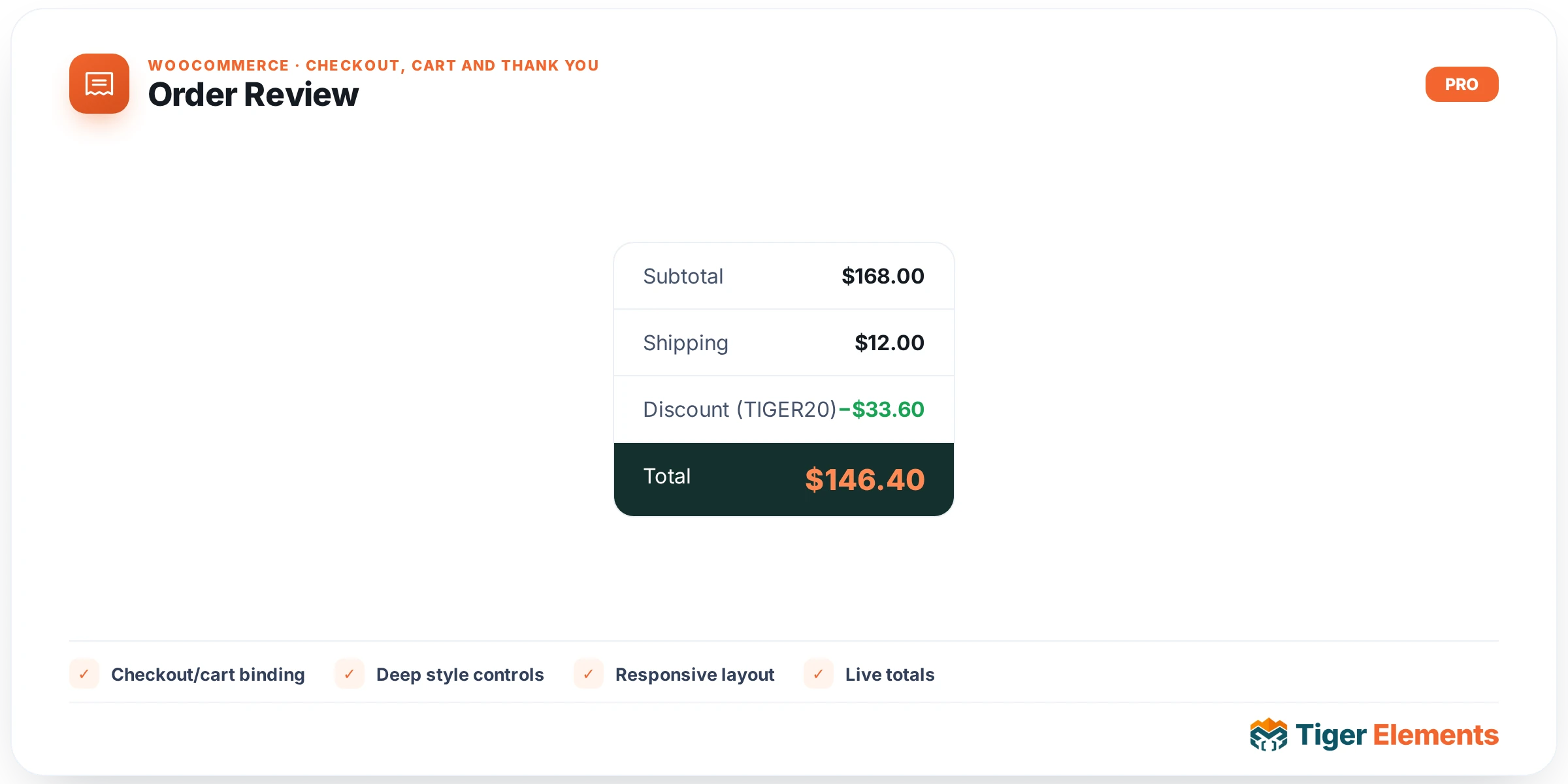
What Order Review Does
Order Review is the widget that renders the cart summary block of checkout — line items, quantities, subtotal, shipping method and cost, taxes, discounts, and the grand total. It’s the piece shoppers glance at repeatedly while filling in billing and payment details to confirm what they’re actually being charged. As its own Elementor widget, it can be pulled out of the linear top-to-bottom checkout flow and placed in a dedicated sidebar column, given a card background and its own padding, and — uniquely among the four checkout widgets — made to stick to the viewport as the shopper scrolls through the rest of the form. That sticky behavior is what makes a lot of modern two-column checkout designs (form on the left, running total pinned on the right) possible without any custom JavaScript.
Setting It Up
The Content tab starts with a Heading text control (default “Your order”, dynamic-tag capable) with no separate show/hide switcher — if the field is left empty, no heading is printed. The more distinctive controls are Sticky on desktop, a switcher (defaulting on) that applies a sticky-positioning class to the widget wrapper, and Sticky Offset (px), a number field (default 24) that only appears when sticky is enabled and sets the CSS top value in pixels — useful for clearing a fixed header so the sticky order summary doesn’t tuck underneath it. On the Style tab, a Box section covers background color, responsive padding (defaulting to 24px on all sides), and a border-radius slider for the whole review container. Like Payment, this widget does not include the shared Fields style section from the base class, since it has no form inputs of its own — the review block is read-only cart data plus, in some setups, a shipping-method radio selector rendered as part of the same native output.
It Renders WooCommerce’s Own Template — Not a Rebuild
The review block you see is not custom markup built by Tiger Elements — it’s WooCommerce’s own order-review partial. The widget bootstraps the checkout object the same way its siblings do, then fires woocommerce_checkout_order_review inside a wrapper with the id order_review, which is the exact hook and container ID the native checkout page uses. That id matters beyond styling: WooCommerce’s own checkout.js listens for changes on fields elsewhere on the page (country, state, shipping method) and re-fetches this block via AJAX, replacing the contents of #order_review with fresh totals. Because this widget preserves that id and hook, the live AJAX total refresh keeps working exactly as on the default checkout, tax calculation and shipping-method switching update the numbers shown here in real time, and any plugin that adds a line item (a surcharge, a gift-wrap fee, a loyalty-points discount) via WooCommerce’s cart/order hooks will appear here automatically, styled by this widget’s Box controls.
Order Review vs. Billing vs. Shipping vs. Payment
Order Review is the one widget in this family that’s purely reflective — it doesn’t collect input, it displays the consequences of what’s entered elsewhere. It reads state that Billing and Shipping establish (billing/shipping address determines tax and shipping cost) and previews the number that Payment will ultimately charge. This makes it the natural candidate for the sticky sidebar position in a two-column layout: while Billing, Shipping, and Payment stack vertically as the “form” column that a shopper fills in top to bottom, Order Review can live alongside them the whole time, updating live as fields change, so the shopper never has to scroll back up to check the total before clicking Place Order. Because it shares the single underlying WooCommerce checkout form and its own AJAX refresh mechanism, its position on the page relative to the other three widgets is purely cosmetic — none of the calculation logic cares where it visually sits.
Practical Tips
- When enabling Sticky on desktop, always set the Sticky Offset to match (or slightly exceed) your header’s actual height in pixels, otherwise the summary box will slide under a fixed header on scroll.
- Sticky positioning is desktop-only by design — on narrow viewports it will still render, but expect to disable stickiness via Elementor’s responsive visibility settings if a mobile layout stacks all four widgets in one column.
- If a plugin-added fee or discount isn’t showing up, check whether it hooks into WooCommerce’s cart totals (which this widget’s
woocommerce_checkout_order_reviewaction reflects automatically) rather than injecting markup directly into a template — only the former will appear here. - Leave the Heading field blank if your design already has a section title (like “Order Summary”) built into the surrounding column layout, rather than fighting duplicate headings.