
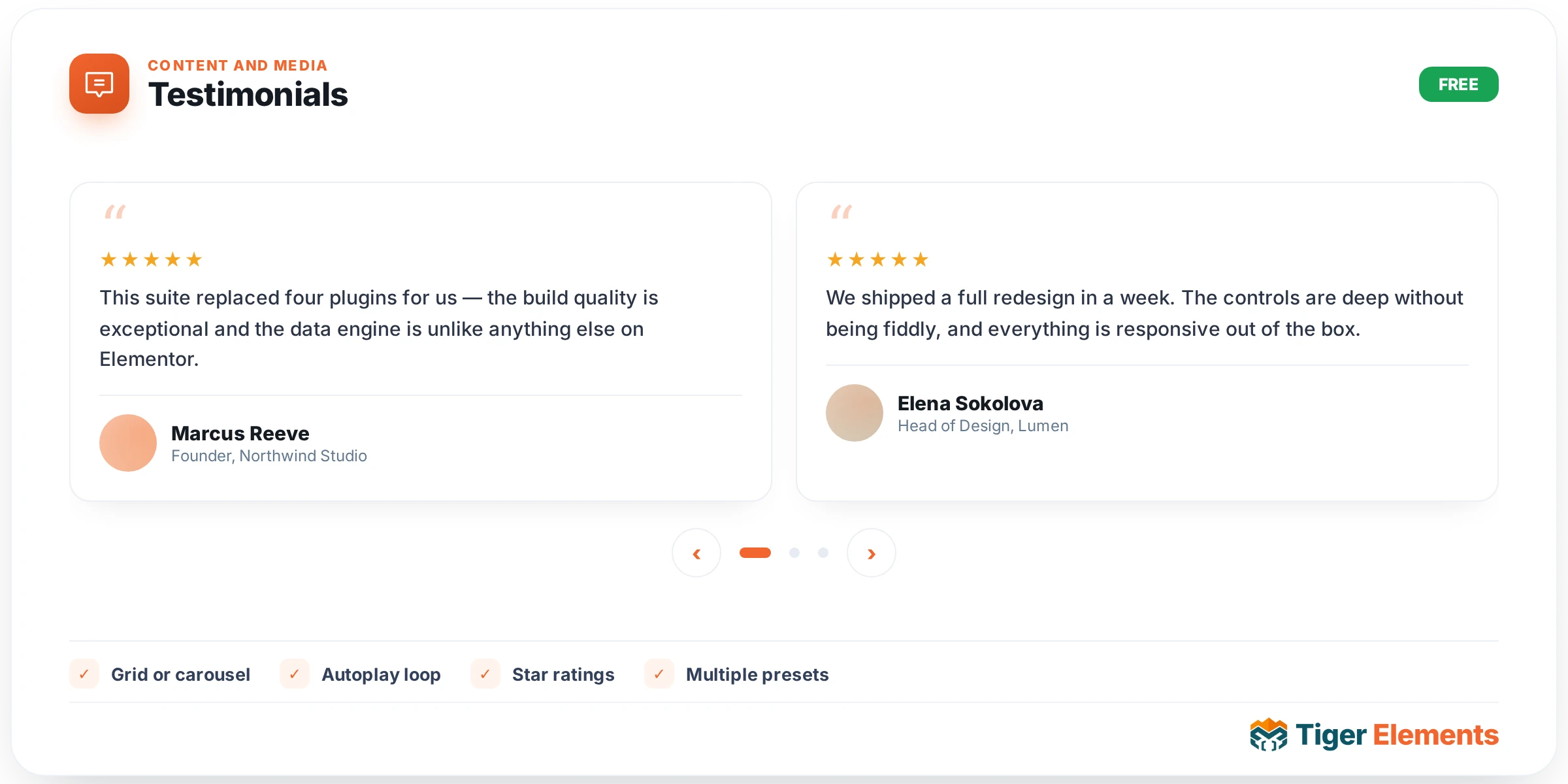
A testimonial carousel, built on the bundled Swiper slider library, with a repeater of quotes carrying a quote icon, the testimonial description, a star rating, the reviewer’s photo, name, business or title, and a date. Genuine customer testimonials are among the highest-converting content a page can carry, and this widget is built to present them with the visual polish that trust content deserves — a carousel rather than a static block, so several testimonials can rotate through the same space rather than requiring a visitor to scroll past all of them at once.
Building the testimonial list
Each repeater entry is a complete testimonial record: the quote text itself, a star rating (the visual signal most visitors scan for first), the reviewer’s photo (a real headshot adds meaningfully more credibility than an anonymous quote), name, business or job title, and a date. Including the date matters for credibility in a way that’s easy to overlook — a testimonial visibly dated within the last few months reads as current and relevant, while an undated quote can leave a visitor wondering how recent (or how cherry-picked from years ago) the feedback actually is.
Layout and motion
Layout and column controls determine how many testimonials show at once in the visible carousel window, with loop and autoplay (the latter with a configurable delay between automatic slide transitions) controlling whether the carousel cycles continuously on its own or waits for a visitor to manually navigate. Navigation arrows and pagination dots give visitors direct manual control regardless of whether autoplay is on, letting someone who wants to read a specific testimonial jump straight to it rather than waiting for autoplay to cycle around.
The review schema advantage
A review schema switcher is genuinely one of the more valuable features on this widget rather than a minor extra. Turning it on emits Review and AggregateRating JSON-LD structured data directly from the testimonial content already entered into the repeater — the same kind of markup that lets Google display star ratings directly in search results next to your listing, a real visibility and click-through improvement that costs nothing extra to enable once the testimonial content itself is written. Because the schema is generated from genuine testimonials you’ve collected, the markup is authentic rather than fabricated, which matters both ethically and practically — search engines actively penalize sites for self-serving or duplicated review markup, so this feature should only be used when these are real reviews genuinely representative of what customers actually said.
Use it for
Homepage social-proof sections, a dedicated testimonials or reviews page, and product or service pages where recent, specific customer feedback can meaningfully influence a visitor’s decision at the exact moment they’re evaluating whether to convert.
Practical tips
- Use real photos wherever you have them — a testimonial with an actual headshot reads as substantially more credible than the same quote with a generic placeholder avatar or no image at all.
- Keep the review schema switcher on only for genuinely real, unedited testimonials — never for marketing copy dressed up as a quote, since that crosses into the kind of markup Google actively penalizes.
- Rotate in fresh testimonials periodically rather than leaving the same handful indefinitely — dated, specific, recent feedback consistently outperforms a static set of quotes that never change.