
What the My Account widget does
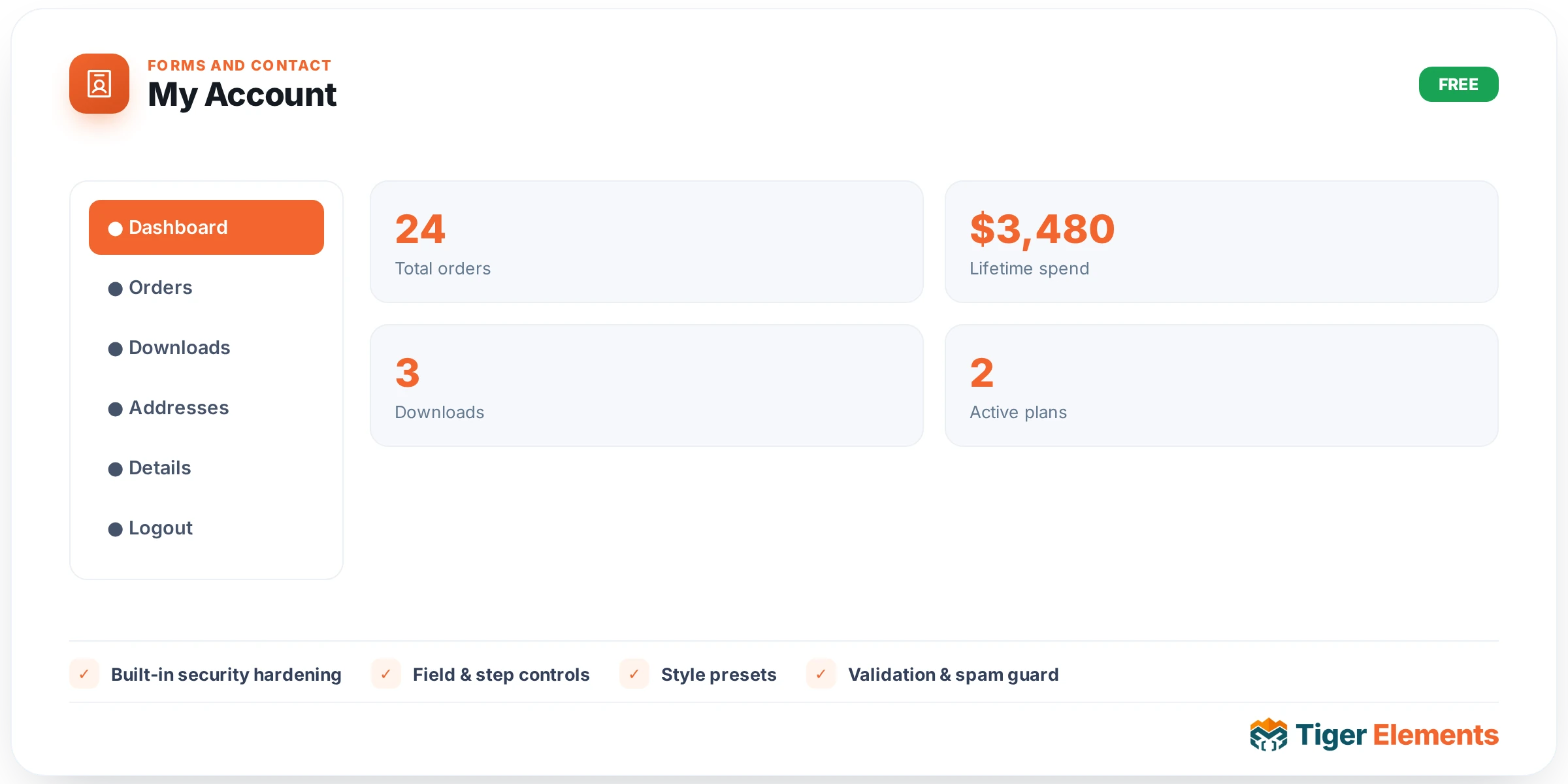
My Account is the router widget of the site-wide Account module: a single widget that shows different content depending on whether the visitor is logged in. The widget class Tiger_Account_Widget forwards rendering to Tiger_Account_Forms::account_router(), which checks authentication state and picks one of two outputs. For a logged-out visitor, it renders the login form and the registration form side by side — effectively combining the Login Form and Registration Form widgets into one view. For a logged-in visitor, it switches to a self-service profile form covering avatar upload, first/last name, email, phone, a WooCommerce-style billing address, and a password-change field, plus a logout link. It’s worth being precise about what that logged-in view is not: it is a profile-editing form, not a broader account dashboard with order history, activity feed, or navigation between sections — if that’s what you need, the separate WooCommerce-specific Account Dashboard widget (which requires WooCommerce and the Woo Builder module) is the correct tool, not this one.
Why it’s useful as a single widget
Most account-page use cases genuinely only need one thing: “show sign-in options if the visitor isn’t recognised, otherwise let them manage their own info.” Rather than requiring you to place Login Form, Registration Form, and a separate profile-editing widget on the same page and manually hide/show them based on login state with conditional display logic, My Account does that branching internally. This makes it the natural single widget to drop onto a generic “/account/” page that needs to work correctly for both anonymous and returning visitors without any extra Elementor display-conditions setup.
Built-in security hardening
Because this widget’s output is built from the same underlying forms as Login Form and Registration Form, it inherits the same protections: each embedded form still carries its own dedicated nonce (the profile-editing form uses the tiger_account_profile action, while the logged-out view reuses the login and registration nonces), each is still subject to the shared IP/user-agent rate limiting, and any redirect target set on this widget still passes through the open-redirect guard (wp_validate_redirect() against the site’s home URL, dispatched with wp_safe_redirect()). The registration half still includes the honeypot field and the same anti-enumeration response behaviour as the standalone Registration Form widget.
Setting it up
The Content tab exposes the shared “Redirect after login” URL control — relevant to the logged-out view’s login form, since Tiger_Account_Widget doesn’t override has_redirect() and inherits the base class default of true. There’s no separate control for what to do after registration or after saving the profile form, consistent with how those flows behave on their standalone widgets (registration emails a link; profile saves happen in place rather than redirecting). Styling is the same shared Container / Fields / Button / Links & Notices control set used across the whole Account widget family — accent colour, container sizing/background/border/shadow, field and input colours/typography with Normal/Focus states, button styling with Normal/Hover states, and notice colours — so a single style pass here covers both the logged-out and logged-in states, since they render inside the same wrapper markup.
When to use it vs. the individual widgets
Reach for My Account when you want one URL to serve both new and returning visitors without manually managing display conditions. Use the individual Login Form, Registration Form, and Lost Password Form widgets instead when you need more layout control — for example, a login form in a header flyout that should never show a registration form next to it, or a dedicated full-page registration experience with its own custom copy above the form. Because My Account’s logged-in view is a profile editor rather than a dashboard, don’t reach for it if the goal is a WooCommerce order-history or address-book page — that’s the job of the separate WooCommerce endpoint widgets (Account Dashboard, Account Orders, Account Addresses, Account Details, Account Navigation), which require WooCommerce and render entirely different content.
Practical tips
- Use this widget for a single catch-all “/account/” page, and use the individual Login/Registration/Lost-Password widgets when you need each step on its own dedicated page or layout.
- Remember the logged-in state here is a profile form, not a dashboard — don’t promise customers order history or navigation on a page built solely around this widget.
- Test both states (logged-out and logged-in) after any styling change, since a single style pass affects both views but they have different field sets and layouts to check visually.
- If you need the WooCommerce order/address/details experience, build that on a separate page using the WooCommerce-specific account widgets rather than trying to extend this widget’s profile form.