
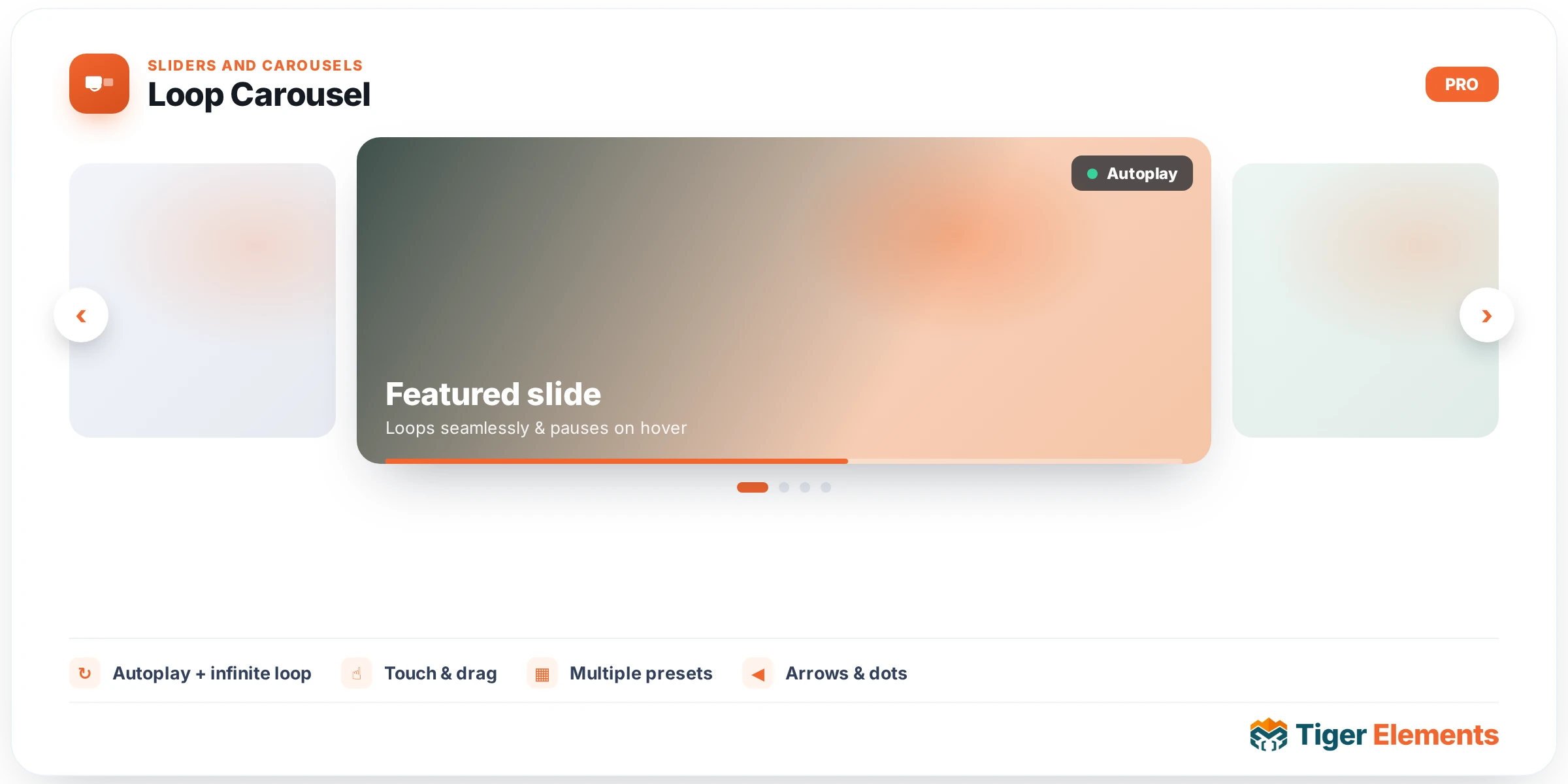
Overview
Loop Carousel renders a query as a horizontal, swipeable carousel, drawing every item through a loop template you design. It is the carousel counterpart to the Dynamic Loop: same query engine, same template binding, presented as a Swiper track with arrows, pagination, autoplay and responsive slides-per-view.
Choosing what to show
Set the Query Source to a standard WordPress query, the current archive query, or a related-items query. For a standard query, pick the post type (posts, a CPT, or WooCommerce products), then narrow it with categories, authors, count and order. The carousel draws exactly those results.
Binding a template
Under Template, choose the loop template that renders a single item. Every slide is drawn through it, so the card design, dynamic tags and styling are yours and reusable — change the template and all slides update.
Layout and motion
Control slides-per-view per breakpoint, space between, autoplay and delay, infinite loop, transition speed and effect. Equal-height keeps cards aligned. Toggle the arrows and pagination on or off.
Navigation arrows
By default the arrows sit outside the cards in a reserved gutter, as a clean round button with a hover fill, so they never overlap or get clipped by the card edges. Position (inside / outside / top / below), colours, size, border, radius and the vertical offset are all adjustable in the Arrow style controls. When every slide already fits, the arrows hide automatically.
Tips
Use a slides-per-view lower than your item count so the carousel actually scrolls. Pair Loop Carousel with a Tiger loop template that includes dynamic tags (title, image, price, meta) for a fully data-driven, on-brand carousel.