
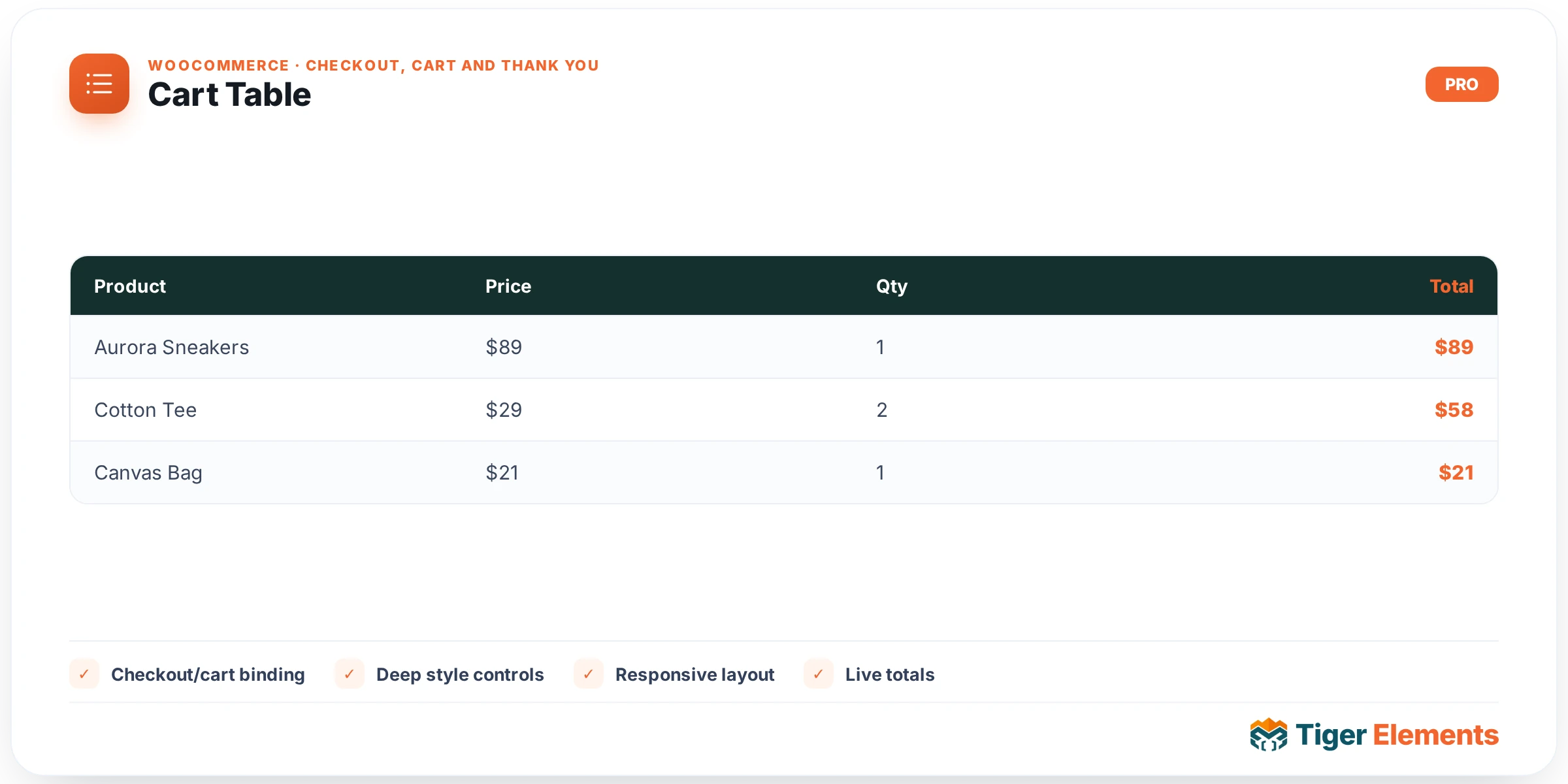
What Cart Table does
Cart Table is the line-item side of a custom Elementor cart page. Its job is narrow and deliberate: it renders WooCommerce’s own cart/cart.php template — the form with each product row, thumbnail, quantity input, subtotal, and remove link — wrapped in Elementor markup so you can place it anywhere in a page you’re building, instead of being stuck with whatever the active theme’s shortcode output looks like. It exists as its own widget, separate from Cart Totals and Cart Cross-Sells, because a custom cart layout is usually a two- or three-column composition: the editable line-item table on one side, the totals/checkout box on another, and an optional cross-sell grid beneath. Splitting the classic cart page into three widgets means you can rearrange, resize, or drop any one of them without touching the others.
How to set it up
Drop the Cart Table widget onto a Cart-template page (or any page — it will render whatever is in the visitor’s session cart). The Content section has one control: Show coupon row, a switcher (default on). This doesn’t add a custom coupon field — it toggles whether WooCommerce’s native “Have a coupon?” apply-coupon form renders as part of the cart form, since that block is part of the same cart.php template output.
The Style tab exposes two color controls scoped to the table itself: Header BG (background of .shop_table thead th) and Row border (border color on .shop_table td and .shop_table th). That’s the full control set — this widget does not use the shared Fields style section (label/field colors, typography, padding, radius) that some other Tiger Woo Checkout widgets expose, because it isn’t rendering form inputs of that kind, just the cart table markup.
Non-obvious behavior
Cart Table does not reimplement cart logic. It calls wc_get_template( 'cart/cart.php' ) inside its own <form class="woocommerce-cart-form">, wrapped with the standard woocommerce_before_cart_table and woocommerce_after_cart action hooks fired in the normal order. That means:
- Quantity-change “Update cart” behavior, AJAX cart-fragment refresh, and any plugin hooked into
woocommerce_before_cart_table/woocommerce_after_cart(free-shipping progress bars, cart notices, etc.) keep working exactly as they do on the default cart page — the widget doesn’t intercept or reprocess any of it. - If a theme or another plugin overrides
cart/cart.phpin its ownwoocommerce/template folder, that override is what actually renders here too — the widget is a positioning/styling wrapper, not a replacement template. - When the cart is empty, the widget shows WooCommerce’s own “Your cart is currently empty.” notice rather than rendering an empty table — except inside the Elementor editor, where the notice is suppressed so you can still see and style the widget while building.
- Because it checks
wc_ready()before rendering, on a site without WooCommerce active (or before WC’s cart object exists) the widget simply outputs nothing rather than throwing a fatal error.
Cart Table vs. Cart Totals vs. Cart Cross-Sells
These three widgets split the classic single-shortcode cart page into independently placeable pieces, and each maps to a distinct native WooCommerce region:
- Cart Table (this widget) — the editable line items: product, quantity, remove, coupon entry. This is the only one of the three that lets the customer change what’s in the cart.
- Cart Totals — the summary box: subtotal, shipping/tax rows, and the “Proceed to checkout” button. It’s read-only and belongs next to or below the table.
- Cart Cross-Sells — the “you may also like” product grid WooCommerce derives from items already in the cart. It’s promotional, not transactional, and is typically placed below both of the above.
Use Cart Table whenever you need the actual editable cart contents on the page; the other two widgets have no purpose without it being present somewhere on the same page (they both assume an active, non-empty cart session).
Practical tips
- If your theme’s global CSS heavily styles
.shop_table, check the rendered page in an incognito window — the widget’s two color controls only touch header background and border color, so competing theme rules for row background, font, or spacing can still win and need overriding with the widget’s Advanced > Custom CSS panel. - Pair the “Show coupon row” switch with your page layout: if you’re building a minimal cart intentionally without a coupon field, turn it off here rather than hiding it with CSS, since that also removes the markup and its inline JS hooks entirely.
- Because Cart Table fires the same
woocommerce_before_cart_table/woocommerce_after_carthooks as the default template, any existing plugin (shipping calculators, “gift wrap” add-ons, trust badges) that injects into those hooks will show up automatically inside this widget with no extra configuration. - Test with a real product in the cart, not just the editor preview — the empty-cart notice and the coupon row only render correctly against a live WC session, and Elementor’s edit-mode preview bypasses the empty-cart branch.