
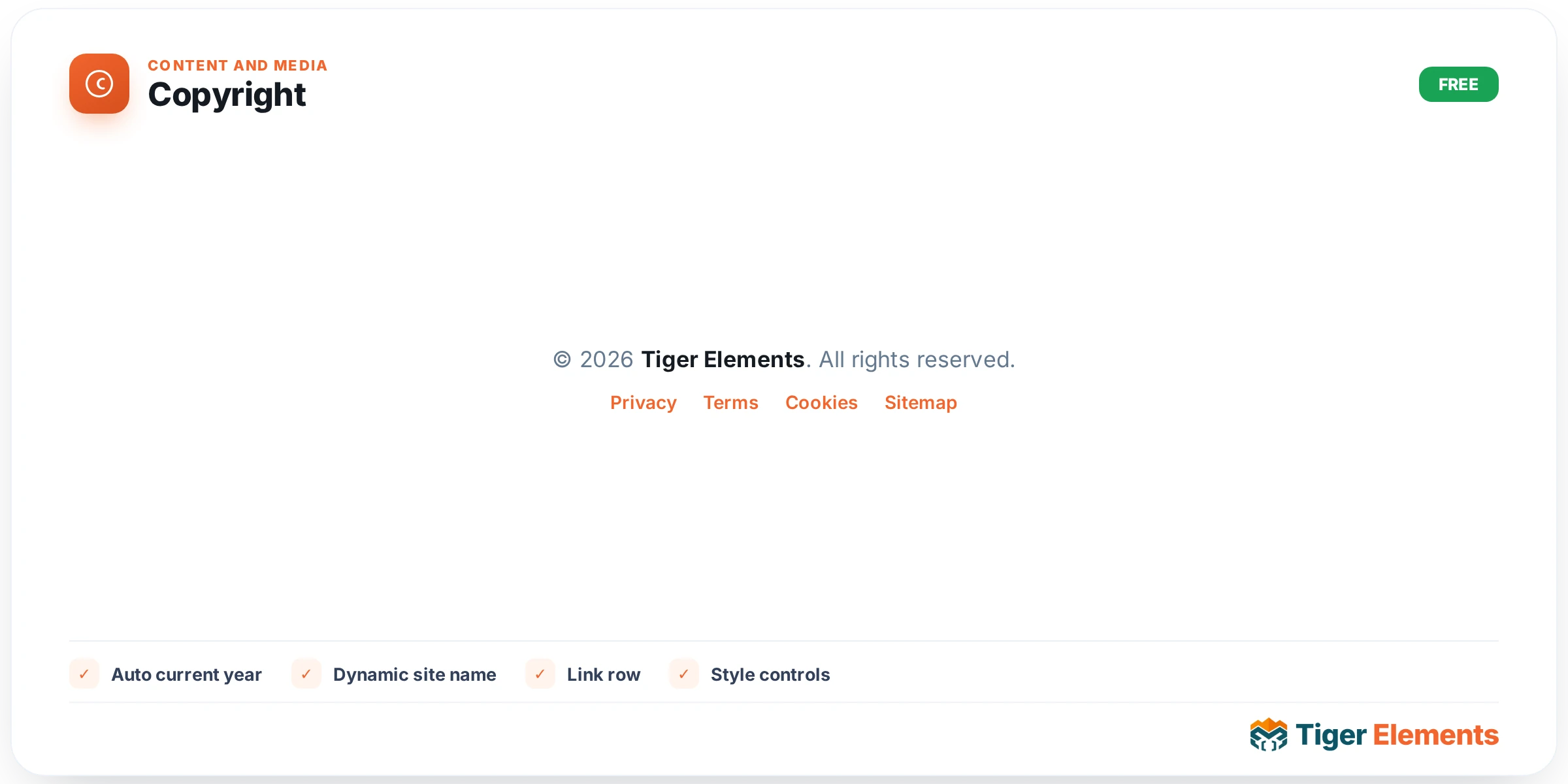
The Copyright widget solves a small but recurring annoyance in footer design: keeping the year current. Instead of hard-coding “© 2024 My Company” into a text widget and forgetting to update it every January, you build the line once with the Copyright widget and it stays correct forever, because the year is generated by the server on every page load rather than typed by hand. It is a deliberately small, single-purpose widget meant to live inside a Theme Builder footer template, though nothing stops you from dropping it into a regular page or a Site Editor footer template part as well.
How it works
The widget exposes one content control, Text, a textarea field with dynamic tags enabled so you can also pull in Elementor Pro dynamic content if you have it. The default value is © {year} {site}. All rights reserved., and that default is the whole trick: {year} and {site} are macros that the widget’s render function substitutes at output time. {year} is replaced with date_i18n( 'Y' ), so it always reflects the current year in the site’s configured locale/format, and {site} is replaced with get_bloginfo( 'name' ), meaning it always mirrors whatever is set in Settings → General → Site Title. If you rename your business or rebrand the site, the copyright line updates itself automatically without touching the widget again.
Beyond the macros, you get an Alignment control (Left / Center / Right, and it’s a responsive control, so you can set different alignment per breakpoint) that lives right under the Text field in the Content tab.
Styling controls
The Style tab is intentionally minimal: a Text color color picker and a full Typography group control (font family, size, weight, line-height, letter-spacing, etc., all responsive). There is no background, border, or spacing control on the widget itself — the assumption is that the Copyright widget sits inside a footer column or container that already handles padding and background, and the widget’s only job is to render the text correctly styled to match the rest of the footer.
Allowed markup inside the Text field
Because the Text field is a textarea and gets echoed to the page, the widget runs the final string through wp_kses() with a narrow allow-list rather than stripping all HTML or trusting it blindly. You are permitted to use <a href> (with target and rel attributes), <strong>, <em>, <br>, and <span> tags inside the copyright text. That means you can write something like © {year} {site}. All rights reserved. <a href="/privacy">Privacy Policy</a> and get a working, styled link inline with the copyright notice — a common footer pattern — without needing a second widget next to it. Any other tag (scripts, iframes, divs, images) will simply be stripped on output, so don’t rely on anything beyond that short list.
When to use it
Use the Copyright widget any time you’re assembling a site-wide footer in the Theme Builder: it’s the natural companion to a Site Logo widget and a navigation menu in a footer column. It’s also useful on one-off legal or landing pages where you want a self-maintaining copyright line without pulling in a full footer template. Because the site name macro reads live from Site Title, it’s particularly handy on multi-site or white-label setups where the same footer template gets reused across sites with different names — the copyright line adjusts itself per site with zero per-site editing.
Practical tips
- Don’t type the current year by hand into the Text field — always use {year}. If you hard-code “2026” the widget will happily render exactly that forever, defeating the entire purpose of the widget.
- If your business name differs from your WordPress Site Title (for example the Site Title is a short brand tag but the legal entity name is longer), don’t rely on {site} — type the legal name directly into the Text field instead, since the macro always pulls from Settings → General.
- Use the inline link allowance to fold a Privacy Policy or Terms link into the same line as the copyright notice:
© {year} {site} · <a href="/terms">Terms</a>keeps the footer compact instead of stacking a separate widget underneath. - Set alignment per breakpoint if your footer switches from a multi-column desktop layout to a single stacked column on mobile — center alignment often reads better once the footer collapses to one column, even if desktop uses left alignment next to a logo.