
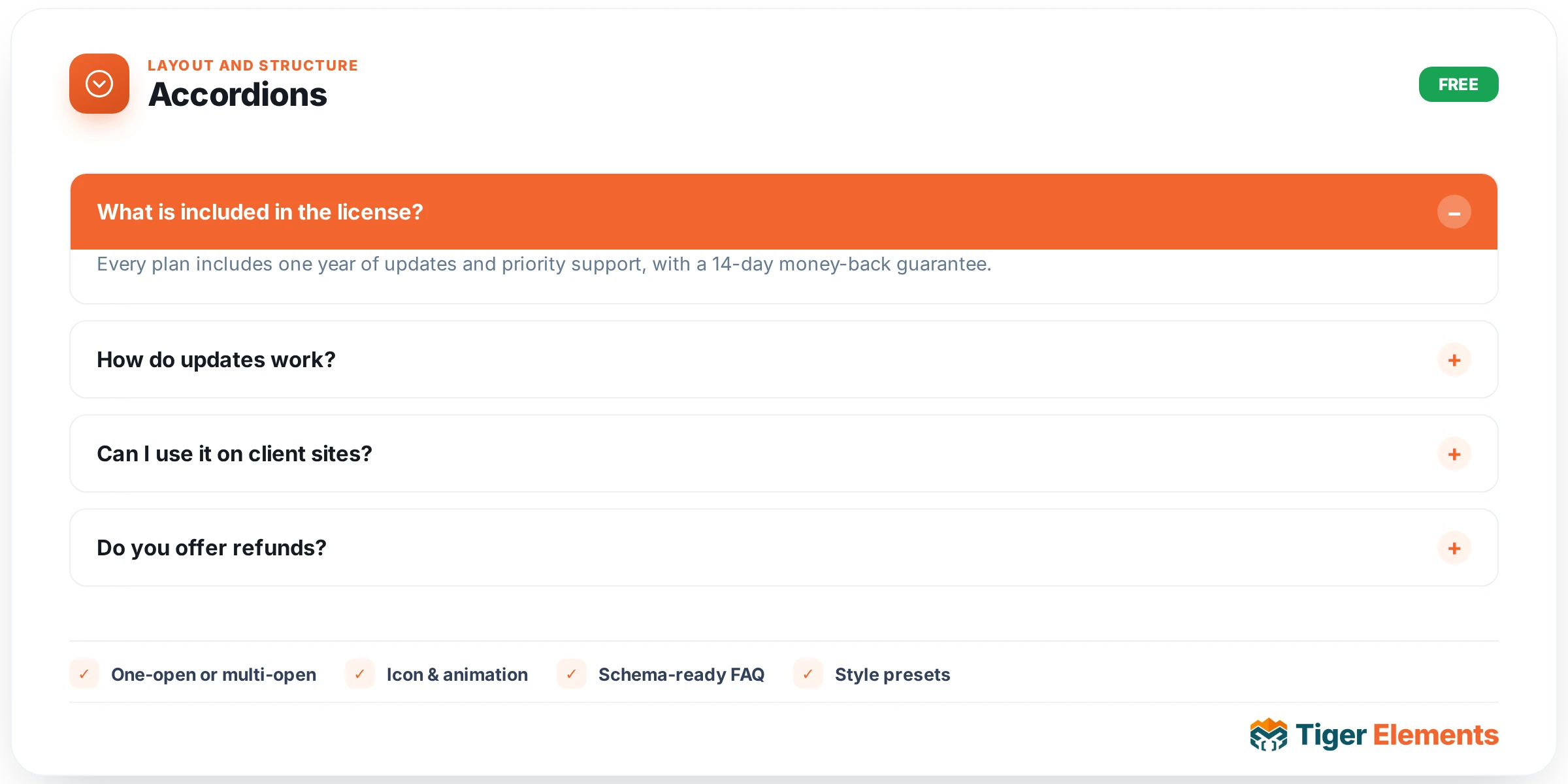
A collapsible list of question/answer or step-by-step panels, built to serve two genuinely different use cases from the same widget: a classic FAQ section, and a process/explainer sequence where each step is worth expanding on its own. Items come from a repeater — a title, an optional step icon or numbered tag, a full WYSIWYG content area for the answer or step detail, and an optional image per item — or, for content that’s already modeled elsewhere in the site, the accordion can instead pull its rows from dynamic field keys, letting a Custom Content Type record drive the accordion’s items automatically rather than requiring them to be typed a second time into the widget.
Controlling how panels open and close
Allow multiple open is the single control that most changes how the accordion behaves in practice. Left off, the accordion behaves like the classic pattern most visitors already expect from FAQ sections everywhere: opening one panel automatically closes whichever other panel was open, keeping exactly one expanded at a time and the overall list compact. Turned on, any number of panels can stay open simultaneously — better suited to a step-by-step explainer where a visitor might genuinely want to compare two steps side by side, or a reference-style FAQ where visitors are expected to open several related questions at once rather than reading one at a time. Start all closed controls what the visitor sees on page load — either every panel begins collapsed, or (when off) whichever panel is marked as the default-open item stays visible immediately, useful for surfacing the single most important question or step before any interaction happens at all.
Icon customization
The open/close toggle indicator — typically a plus-to-cross or a chevron that rotates — is fully swappable via dedicated open icon and close icon controls, so the accordion’s interaction affordance can be made to match a site’s existing icon language rather than defaulting to a generic symbol that looks out of place against a more custom design system.
The FAQ Schema advantage
A FAQ Schema switcher is where this widget earns its keep beyond pure visual convenience. Turning it on emits FAQPage structured data (JSON-LD) directly alongside the visible accordion content, which is precisely the markup Google reads to potentially show your question-and-answer pairs as an expandable rich result directly inside the search listing — meaning a visitor can sometimes see (and even expand) your answer without clicking through to the page at all. This is a real, measurable SEO improvement, and it costs nothing extra to enable beyond writing content that’s genuinely structured as questions and answers; the widget handles the schema generation automatically from whatever repeater content you’ve already written, with no separate schema-authoring step required. The only caveat is that the switcher assumes the content is actually Q&A in nature — using it on a step-by-step process accordion where the titles aren’t phrased as questions produces schema that doesn’t map cleanly to what Google expects, so it’s worth leaving off for that use case and reserving it specifically for genuine FAQ content.
Use it for
The two clearest applications are a product or service page’s FAQ section (where the Schema switcher should almost always be on) and a numbered how-it-works explainer using the step icon/tag fields instead of a plain title (where Schema typically stays off). Both share the same core mechanic — a title, expandable content, an optional image — but read very differently to a visitor depending on how the titles and icons are framed.
Practical tips
- Write accordion questions the way a visitor would actually phrase them in a search engine — beyond helping the visible content read naturally, this also strengthens how well the emitted FAQ schema aligns with real search queries.
- Keep Allow multiple open off for genuine FAQ sections and reserve it for step-by-step content where comparing multiple open items has real value — an FAQ with everything expandable at once quickly becomes a wall of text rather than the scannable list an accordion is meant to provide.
- If you’re driving the accordion from a dynamic field key rather than manual entries, double-check the source field’s content is genuinely written as clean question/answer pairs before turning on FAQ Schema — malformed or non-Q&A source content will still generate schema, just schema that doesn’t accurately represent the page.